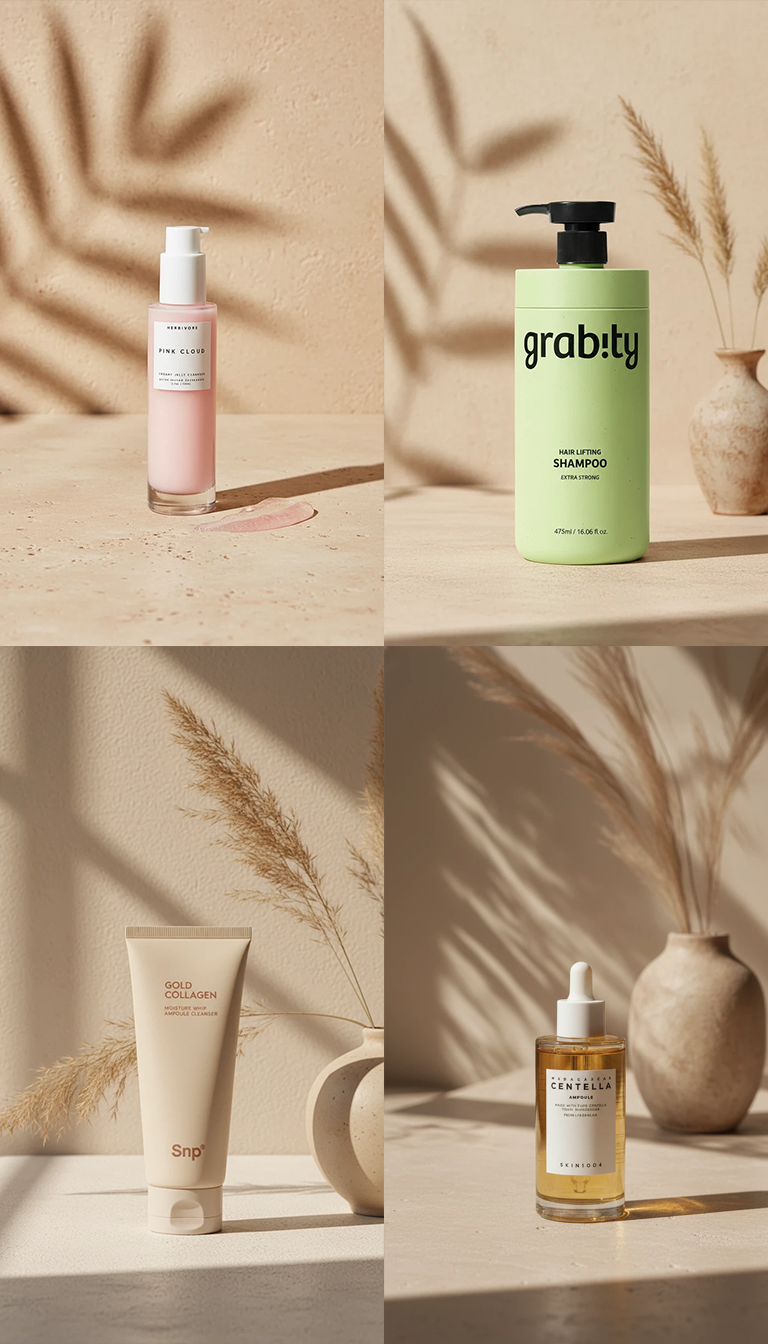
How to Create Product Images Using a Single Background
It is essential to provide specific and detailed explanations of the necessary elements for the prompt of Quel Assistant. For example, things that need to be visually clear in the product, atmosphere, depth, texture, natural synthesis with the background, sense of scale, shadow expression, etc., are the basic point elements that need to be recognized, and it is convenient to use this as a basis. Additional elements can be freely excluded or added within the created Quel prompt.
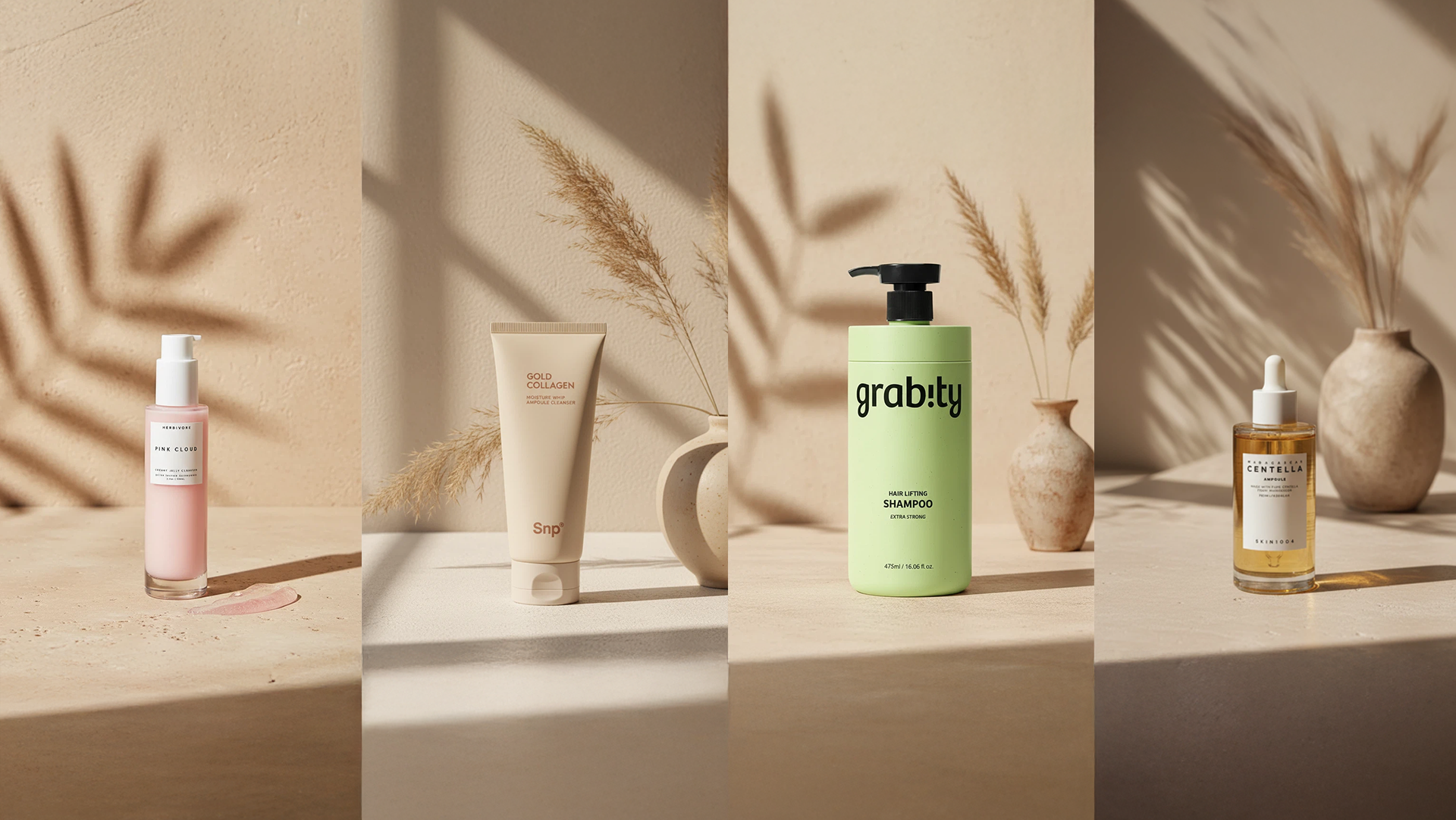
By clearly guiding the necessary configuration in advance and then creating a Quel prompt, you can significantly increase the probability of generating the desired image outcome.
While product recognition is important, the background must first be accurately recognized to form a stable overall atmosphere (mood/lighting/space), and on top of that, the product is naturally reflected in the same tone.
Therefore, the completeness of background recognition is the key factor that determines the quality of the result.
핵심 구성 요소 (Recommended Prompt Components)
1) 배경 강조 → Prominent background
Set the background to appear as a key element that conveys the main message and atmosphere in the image, so it is not simply blurred or ignored.
In other words, instead of “the product is clear and the background is blurred,” aim for a composition where the background itself is designed as the protagonist.
2) 뷰티 광고 무드 + 따뜻한 조명 → Warm soft lighting
Apply soft and warm lighting to make the product stand out luxuriously.
The texture of materials such as skin, glass, and wood is naturally reflected/highlighted to create a premium beauty advertisement tone.
3) 제품 앵글/스케일 + 자연스러운 배치 →
Products aligned and scaled with subtle variation (slight tilt, overlapping)
Instead of arranging products in a straightforward line, create a natural and visually interesting composition through slight angle changes (tilt), overlapping, and position variations.
Also, the scale relationship between the background and the product must realistically match to reduce the feeling of synthesis.
4) 깊이감 → Layered foreground and background
Distinguish between foreground, middle ground, and background layers to compose space three-dimensionally.
This allows the background and product to be expressed without monotony, and the flow of gaze is naturally guided.
5) 자연스러운 통합 → Seamless, sophisticated composition
Aim for a state where shadows/reflections/color temperature/light source direction are consistently matched so that the product and background do not look synthesized.
As a result, the product is integrated to look like it exists in one space rather than being “attached.”
6) 흥미로운 구성 → Dynamic, visually interesting
Instead of sticking to a static frontal composition, design slight movements, transformations, and rhythm to create an image that captures attention.
This is an element that gives the image a sense of story and dwelling.
7) 리얼리티/사실감 → High realism
Enhance realism by accurately expressing product materials, surface details, subtle reflections/highlights, and light diffusion.
8) 파티클 제거 → No sparkles or glitter
Exclude artificial effects like sparkles/glitter to maintain a clean and premium tone.
Quel Assistant 프롬프트 작성 시 주의사항
- 프롬프트를 넓게만 작성 (잘못된 방법)
예시)
“제품이 배치되어 있다.”
“제품이 강하게 반사하고 있다.”
위와 같은 표현은
제품이 어디에 배치되어 있는지,
어떤 배경과 환경에서,
어떤 조명 조건과 각도에서반사가 발생하는지에 대한 정보가 부족합니다.
이와 같이 추가 설명 없이 추상적으로 작성하면,
모델이 장면을 임의로 해석하여 의도한 이미지 결과를 얻기 어렵습니다.
- 형태와 특성을 포함한 상세한 설명 (올바른 방법)
Quel 프롬프트는 주로 다음 요소를 중심으로 구성하는 것이 좋습니다.
전체적인 분위기와 광고 톤
제품 형태, 위치, 각도
배경과 제품이 자연스럽게 통합된 상태의 설명
이 기본 구조를 바탕으로 프롬프트를 작성한 후,
필요에 따라 세부 요소를 추가할 수 있습니다.
Work
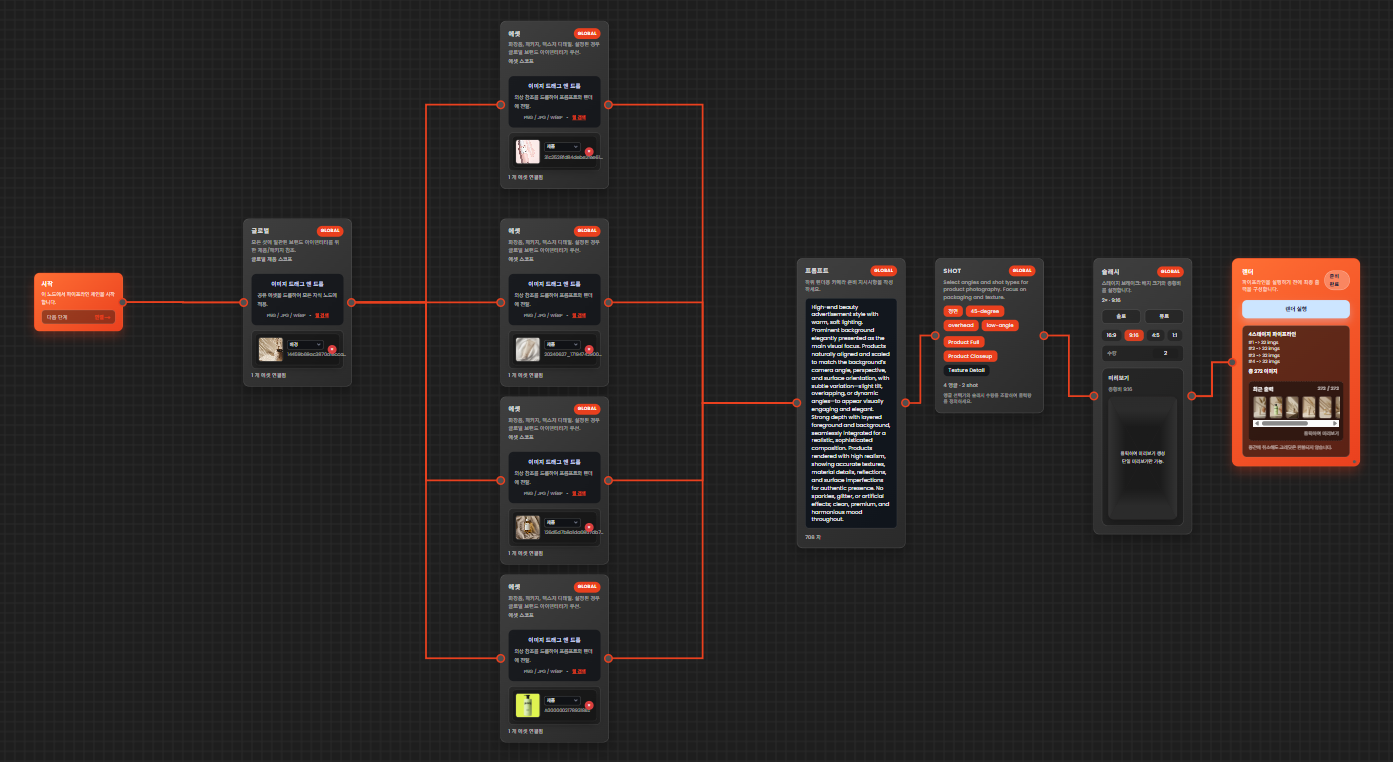
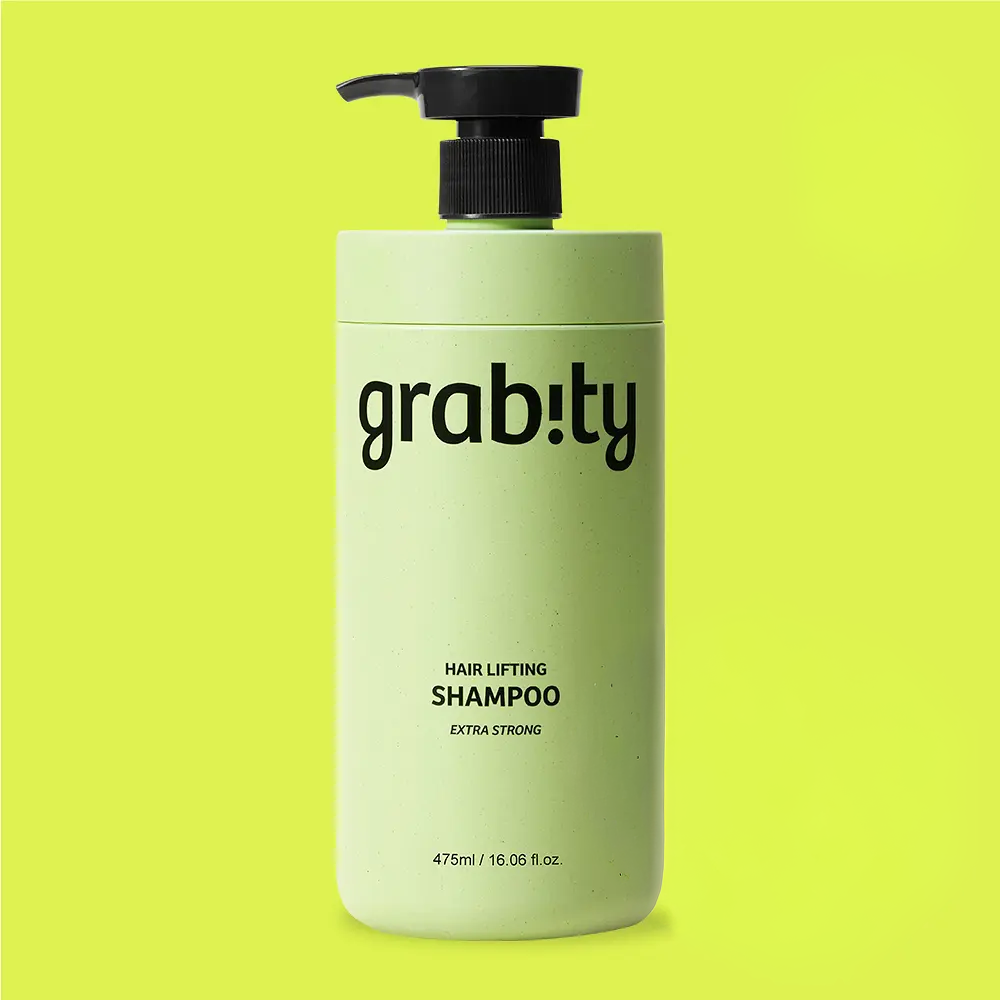
Source

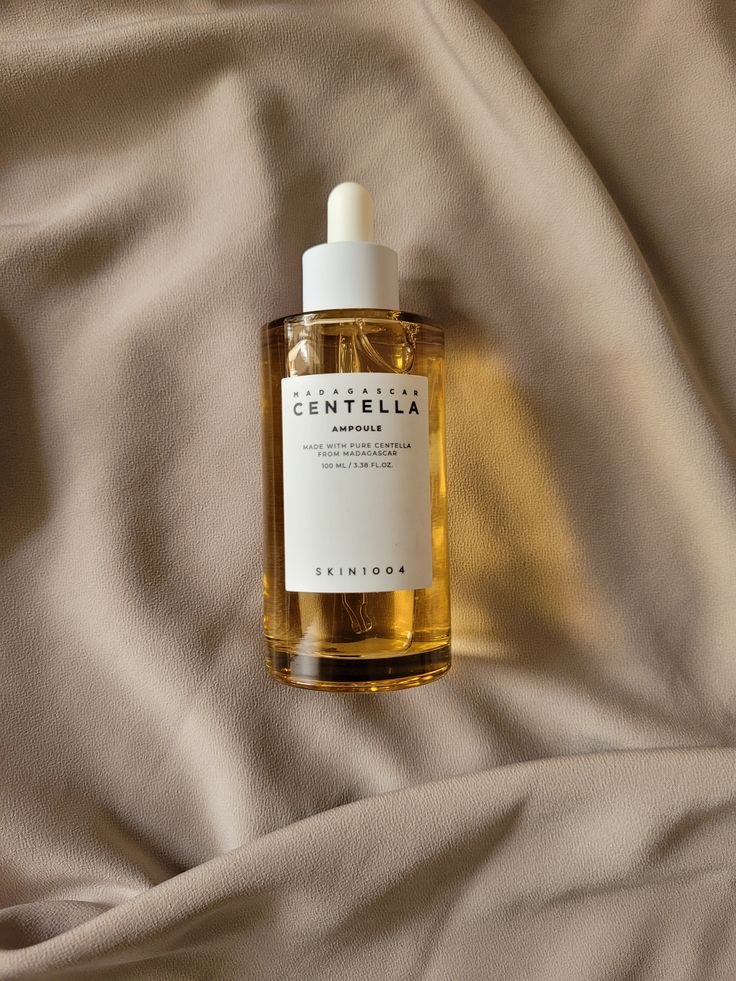
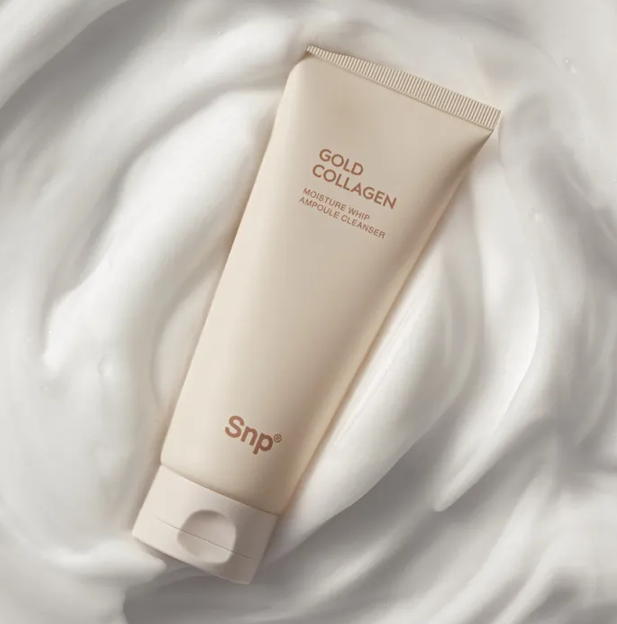
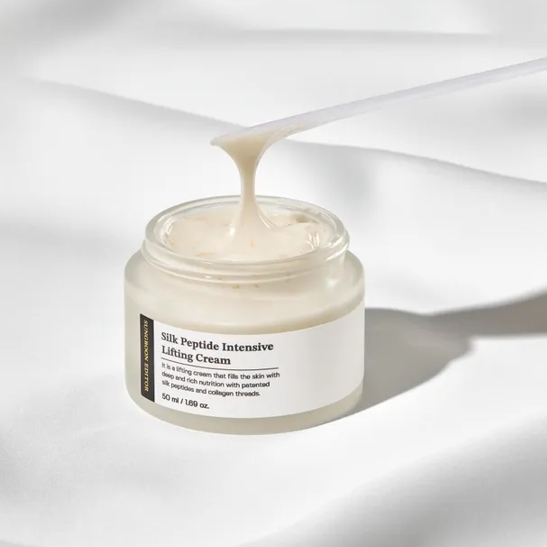
Prompt
“High-end beauty advertisement style with warm, soft lighting. Prominent background elegantly presented as the main visual focus. Products naturally aligned and scaled to match the background’s camera angle, perspective, and surface orientation, with subtle variation—slight tilt, overlapping, or dynamic angles—to appear visually engaging and elegant. Strong depth with layered foreground and background, seamlessly integrated for a realistic, sophisticated composition. No sparkles, glitter, or artificial effects; clean, premium, and harmonious mood throughout.”
Renderring