
How Teams Actually Use It
Real workflows, real output, real numbers.
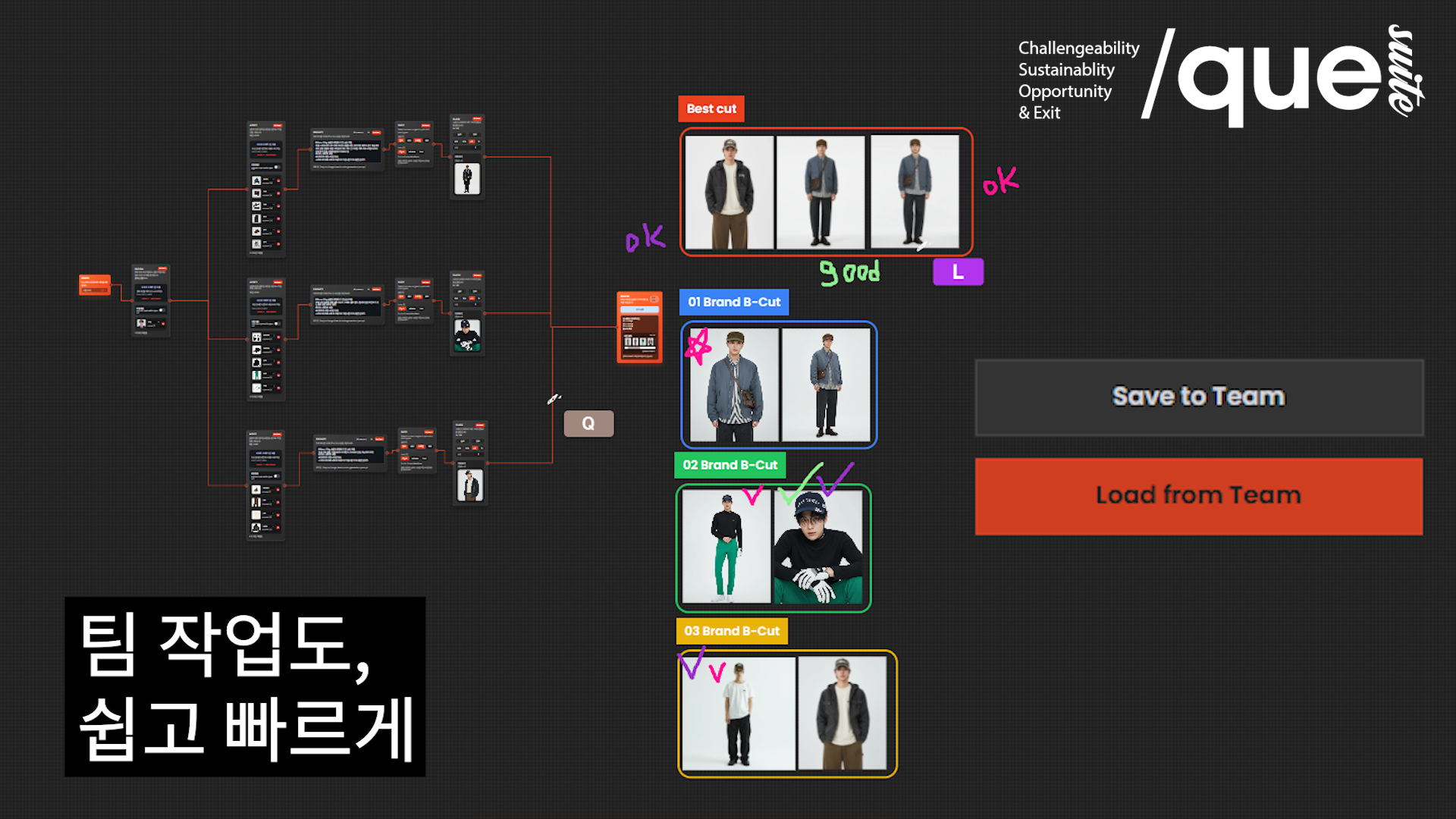
How to Use Organizational Workspace for Efficient Teamwork
To share, review, and manage workflows created in a personal work environment at the team level, we guide you through the entire process from creating an organization, inviting members, sharing workspaces, board-based feedback, to checking the organization gallery in the actual work order.
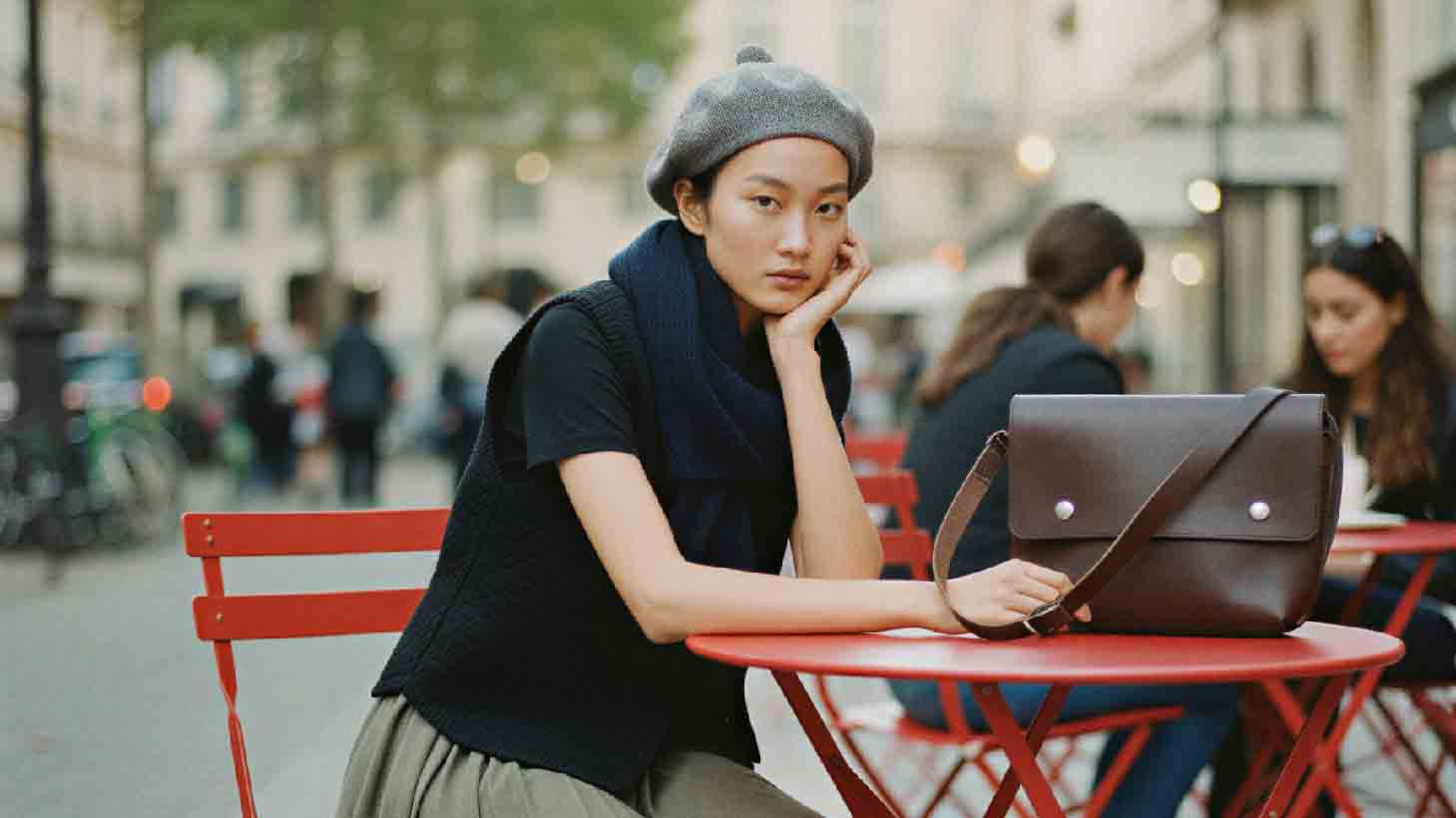
From Model Creation to Upscaling, Complete All-in-One Photo Shoot Workflow with Quel Suite
This case study covers an all-in-one photo shoot workflow that handles everything from model creation to photo shoot and upscaling with just Quel Suite.
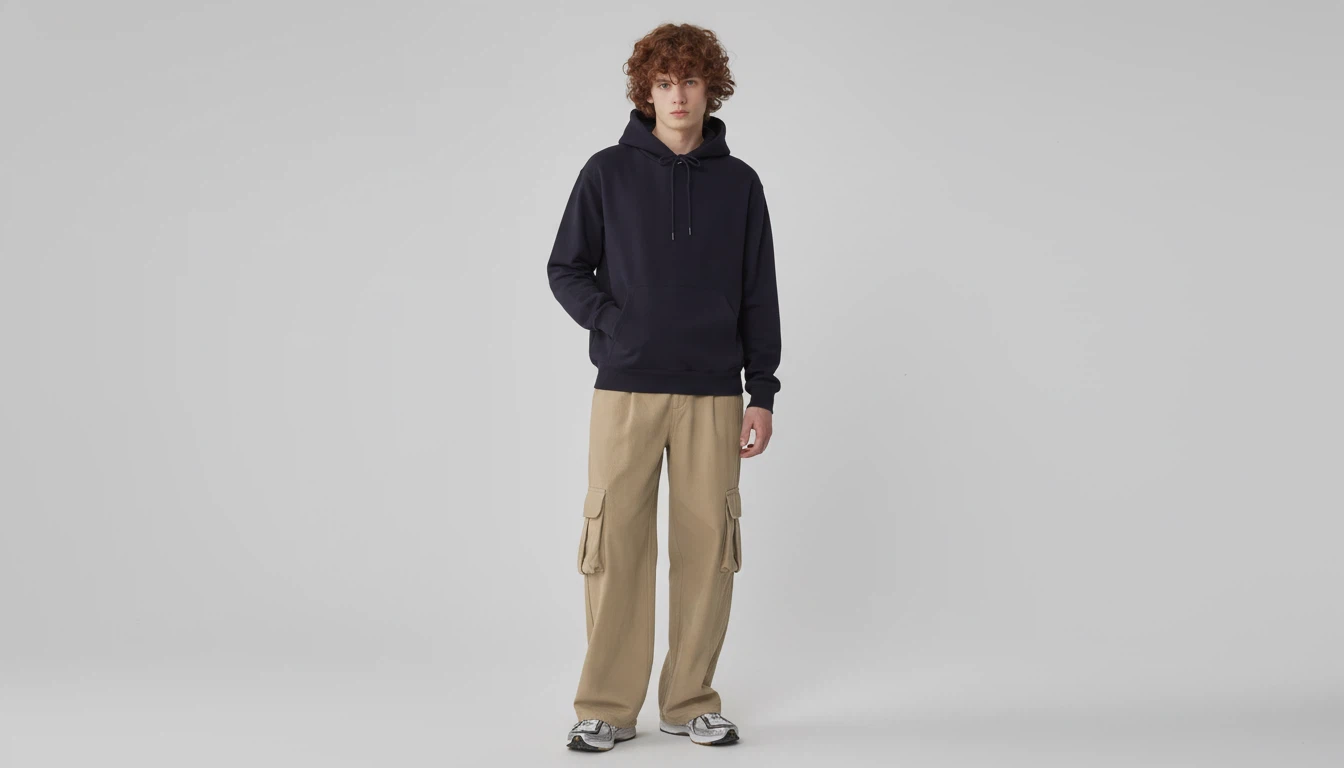
Guide to Creating Studio Fitting Shots for Repeat Production with One Setup
Introducing a method to easily generate detailed clothing images as if taken in a real studio using QuelSuite, without separate physical studio setups or detailed shooting.
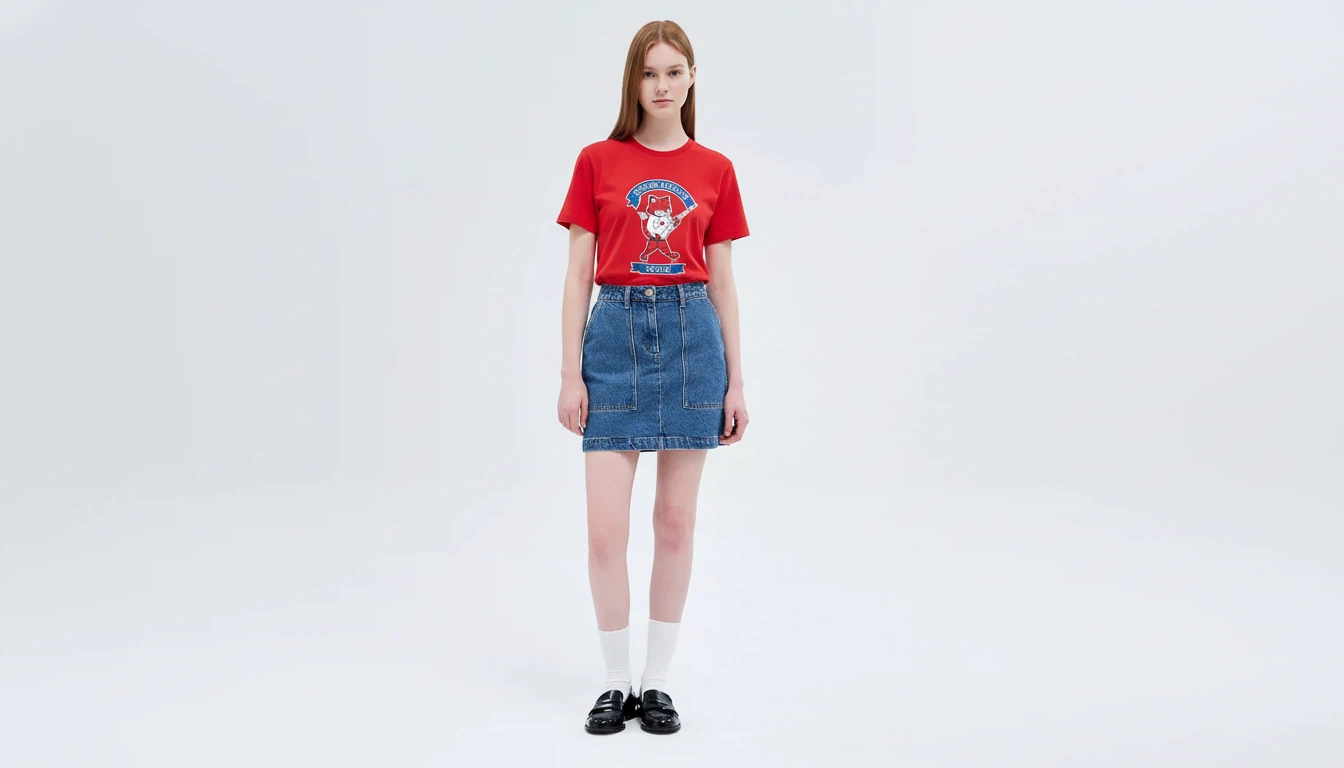
Guide to Creating Detailed Clothing Shots Remotely Using QuelSuite
Introducing a method to easily generate detailed clothing images that look like they were shot in a real studio using QuelSuite, without the need for a physical studio setup or detailed photography.
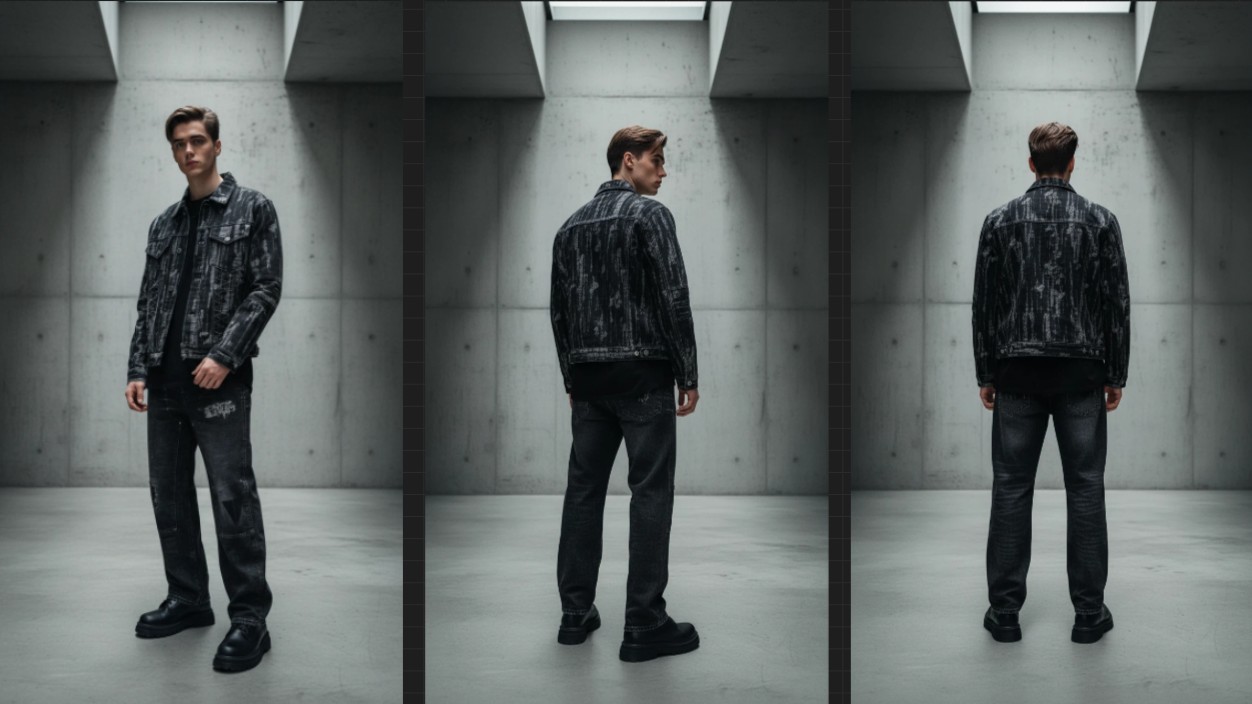
Basic Reference Elements Needed for Shopping Mall Outfit Shots
Outfit images used in shopping malls should be organized with basic references first rather than created randomly. This helps maintain the completeness and consistency of the images reliably. Even if they are not essential elements, if you need to operate various products in the same style, it is good to prepare the following elements as standard references.
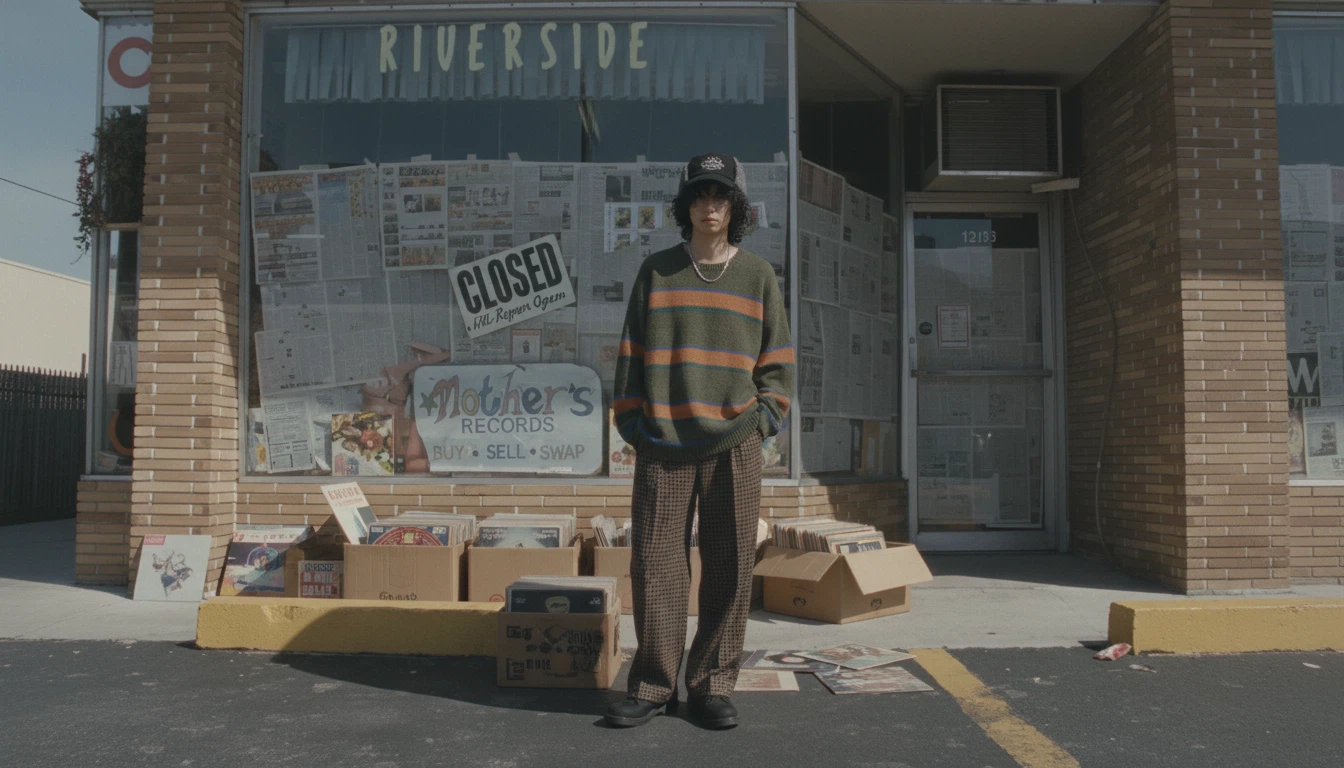
How to Create a Fashion Lookbook from Various Angles through Consistent Environment Settings
The workflow from background modification, prompt creation, and image rendering within Quel Suite to generating images from various angles using the 360º feature
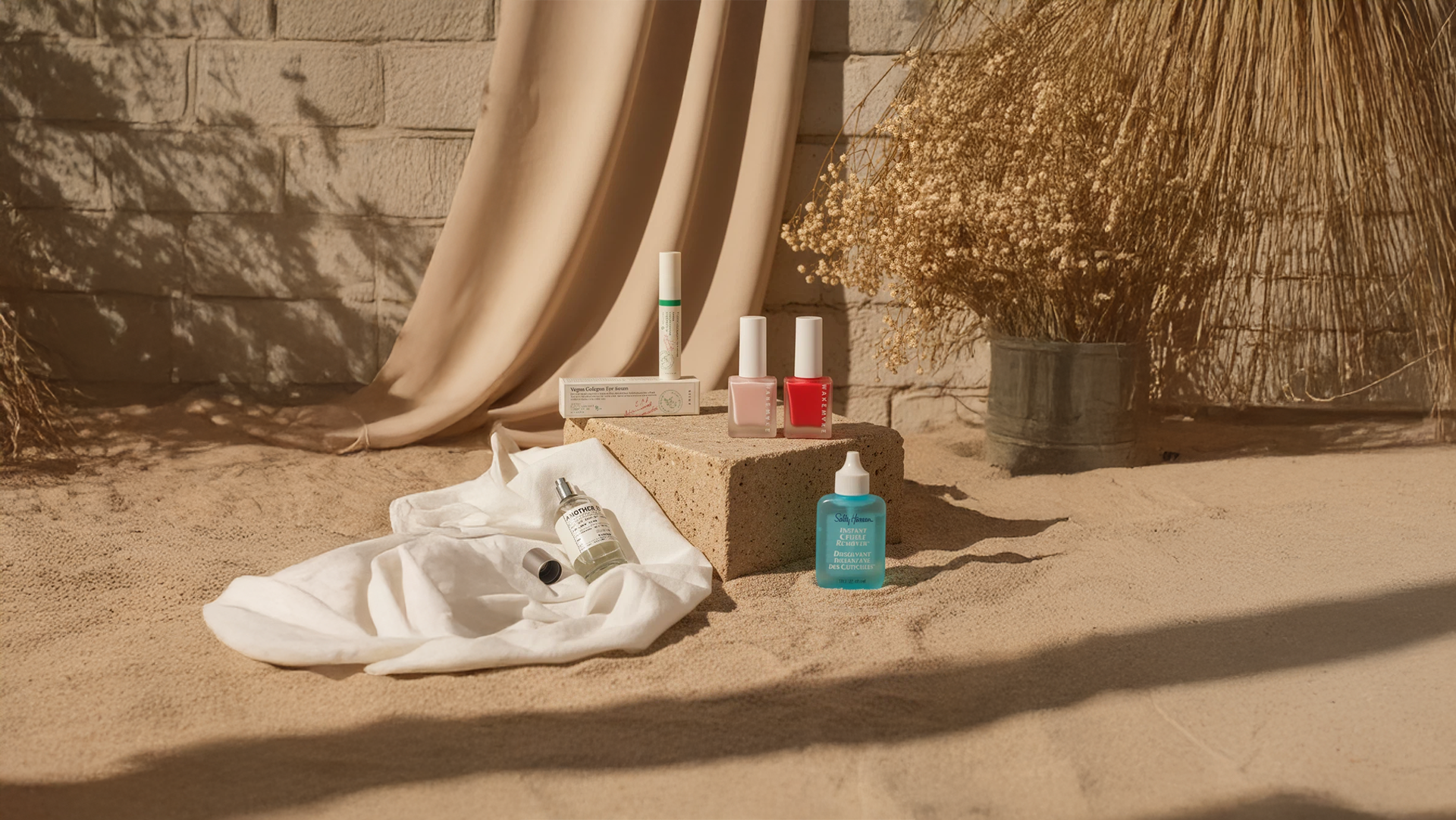
Image Production for Product Set Configuration with a Single Background
Images are produced with multiple products grouped like a set based on a single background.
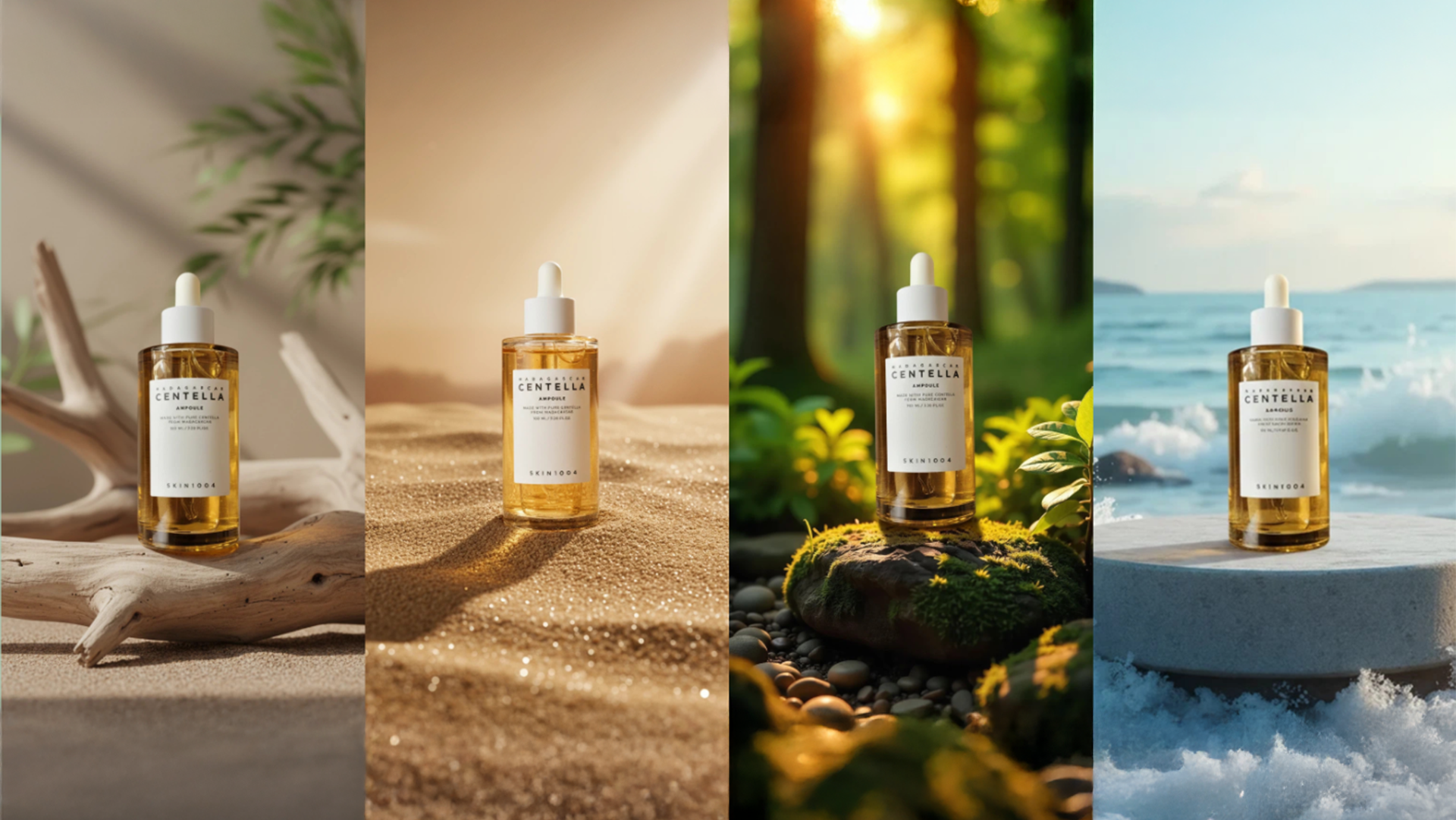
Generating Product Images with Diverse Backgrounds
It is important to provide specific and detailed explanations of the elements needed for Quel Assistant. For example, things that need to be visually clear in the product, such as atmosphere, depth, texture, natural composition with the background, sense of scale, and shadow representation, are basic points to recognize. Recognizing these points is most important, and it is convenient to use them based on presets. Then, you can freely exclude or add additional elements within the generated prompt.
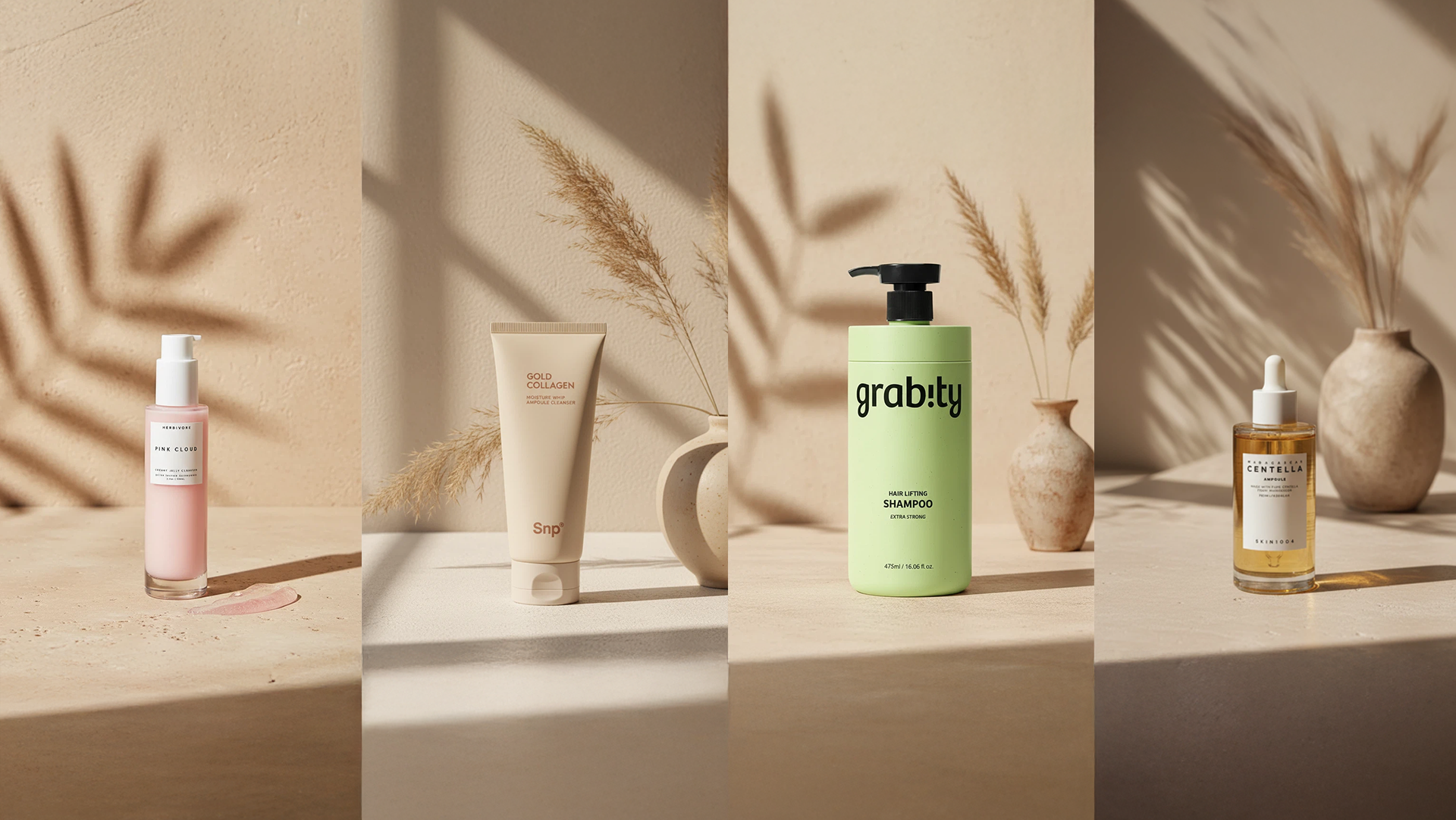
How to Create Product Images Using a Single Background
It is essential to provide specific and detailed explanations of the necessary elements for the prompt of Quel Assistant. For example, things that need to be visually clear in the product, atmosphere, depth, texture, natural synthesis with the background, sense of scale, shadow expression, etc., are the basic point elements that need to be recognized, and it is convenient to use this as a basis. Additional elements can be freely excluded or added within the created Quel prompt.
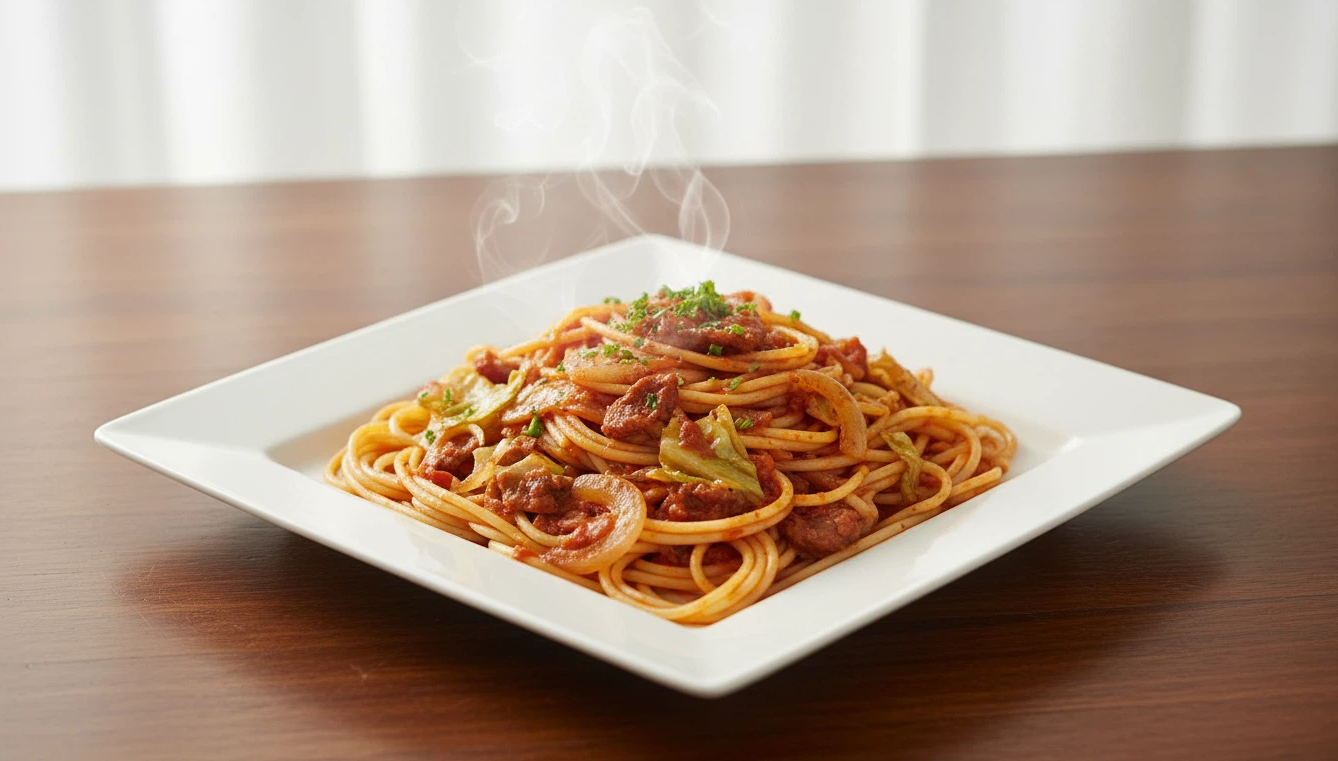
How to Dramatically Transform a 'Convenience Store Pasta' Photo into a 'Premium Advertisement Photo'
Even a typical convenience store pasta photo can be transformed into completely different qualities by adjusting prompts step by step: White studio version, More appetizing upgraded version, Advertisement version arranged on a premium plate. By understanding which prompt elements are enhanced at each stage, even beginners can easily create food advertisement images.
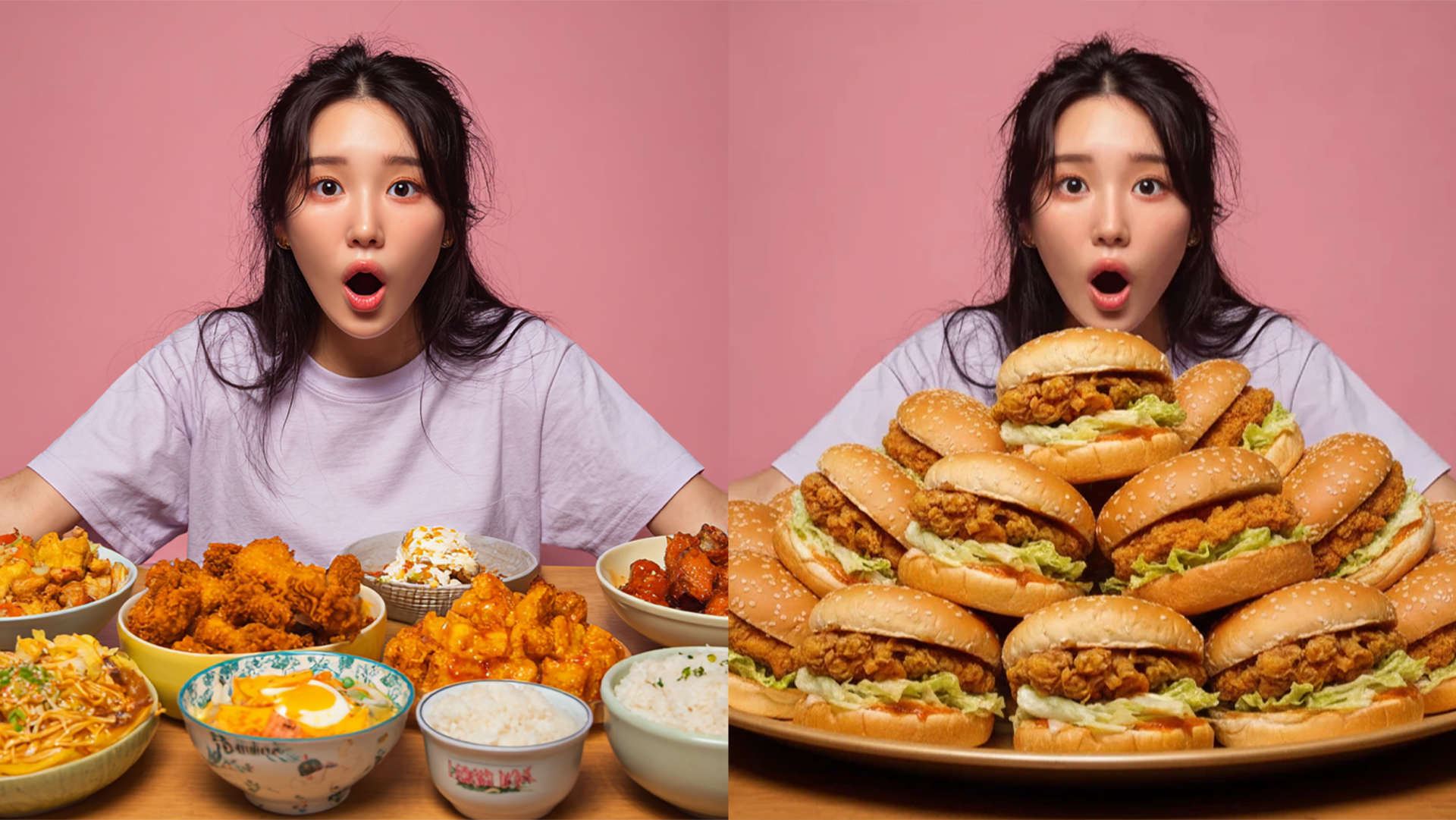
Explanation of How to Write a Prompt for 'Replacing Only the Food with Another Food' in a Scene Where a Person is Eating
When using a scene of a person eating food as a reference, to naturally replace the original food with new food, you must specifically describe the person's pose, actions, eating style, and the composition, dish, and form of the new food in the prompt. If the relationship between the reference and the food to be replaced is not clearly explained, it becomes difficult for the system to determine which elements to base on, so it is important to ensure that the two pieces of information are accurately connected in the prompt.
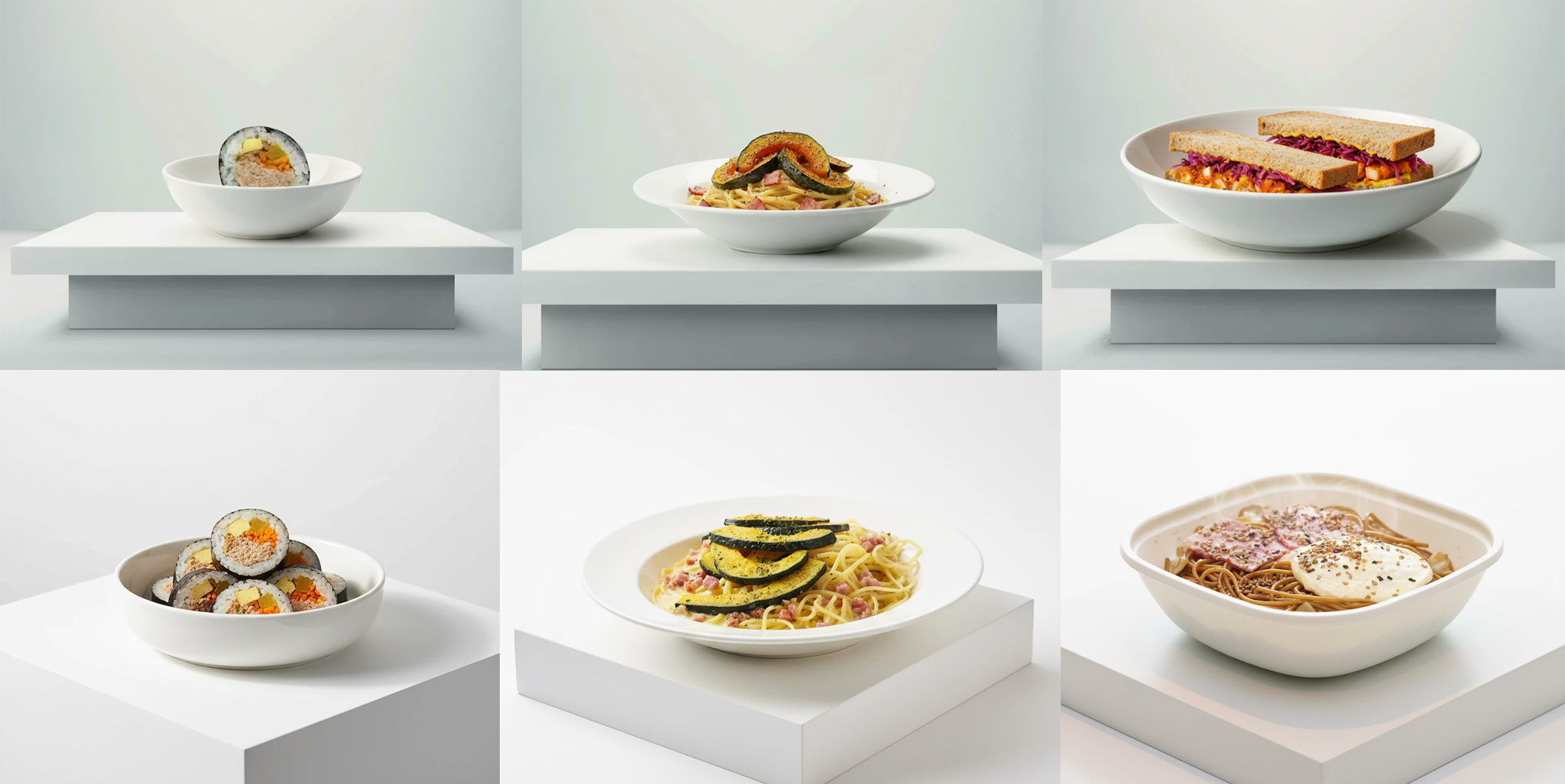
Why It Is Important to Write Consistent Prompts When Using Background References
When using background references in QUEL image generation, the system primarily refers to the mood, color, and spatial composition of the reference image. However, if the prompt text contains background information different from the reference, QUEL attempts to reflect both pieces of information simultaneously, which may result in unexpected styles or compositions. This is not because the system fails to recognize, but rather a natural outcome of trying to respect and combine both the reference image and the prompt text. Therefore, to achieve the most stable and desired results, it is important to write the prompt content consistently with the reference.
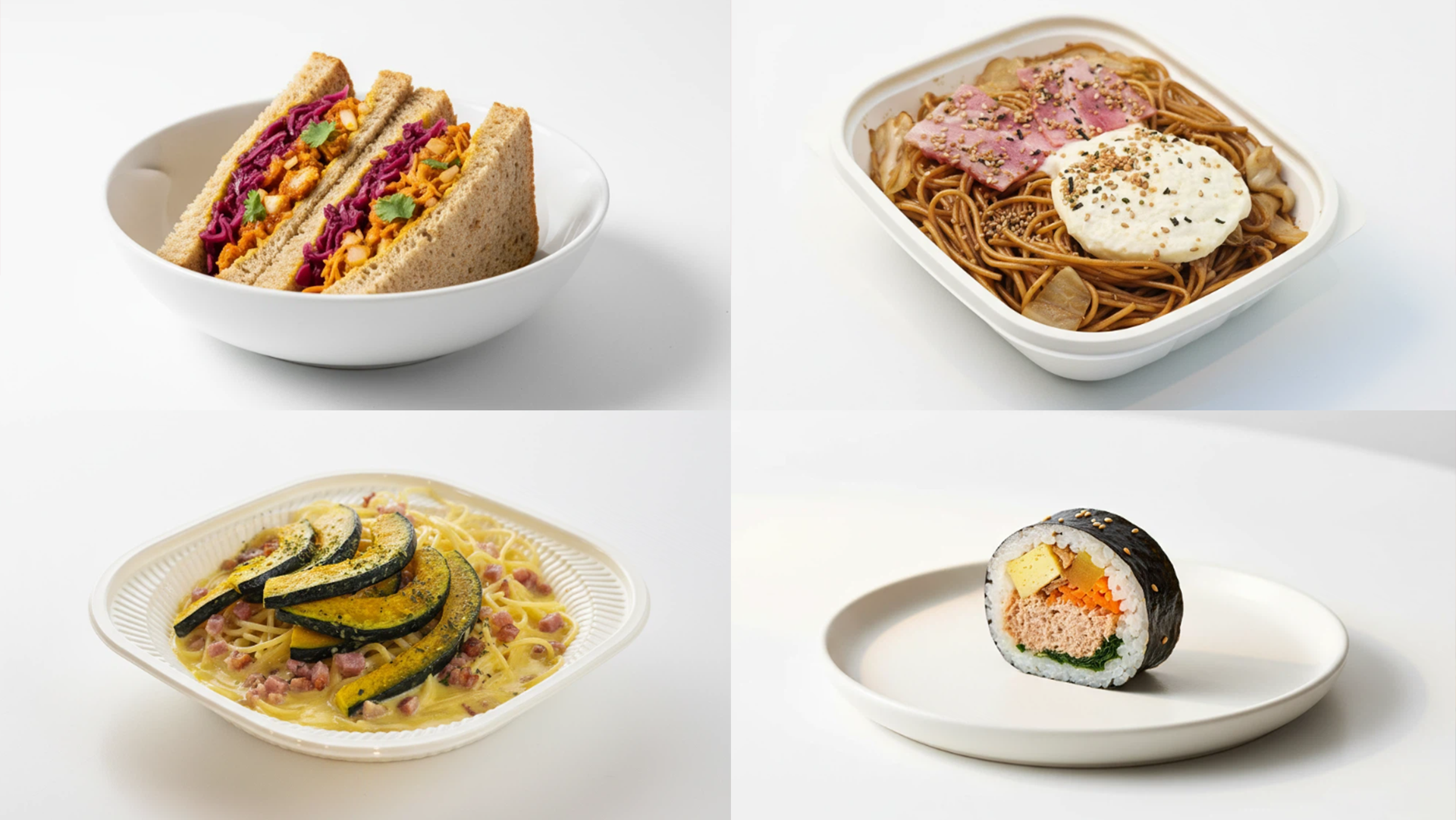
Basic Principles Needed to Create Consistent Food Photos Without Background References
When generating various types of food with just prompts and no background images, each food often appears in different spaces, on different plates, and on different tables. This is because AI automatically interprets and sets elements other than the food.
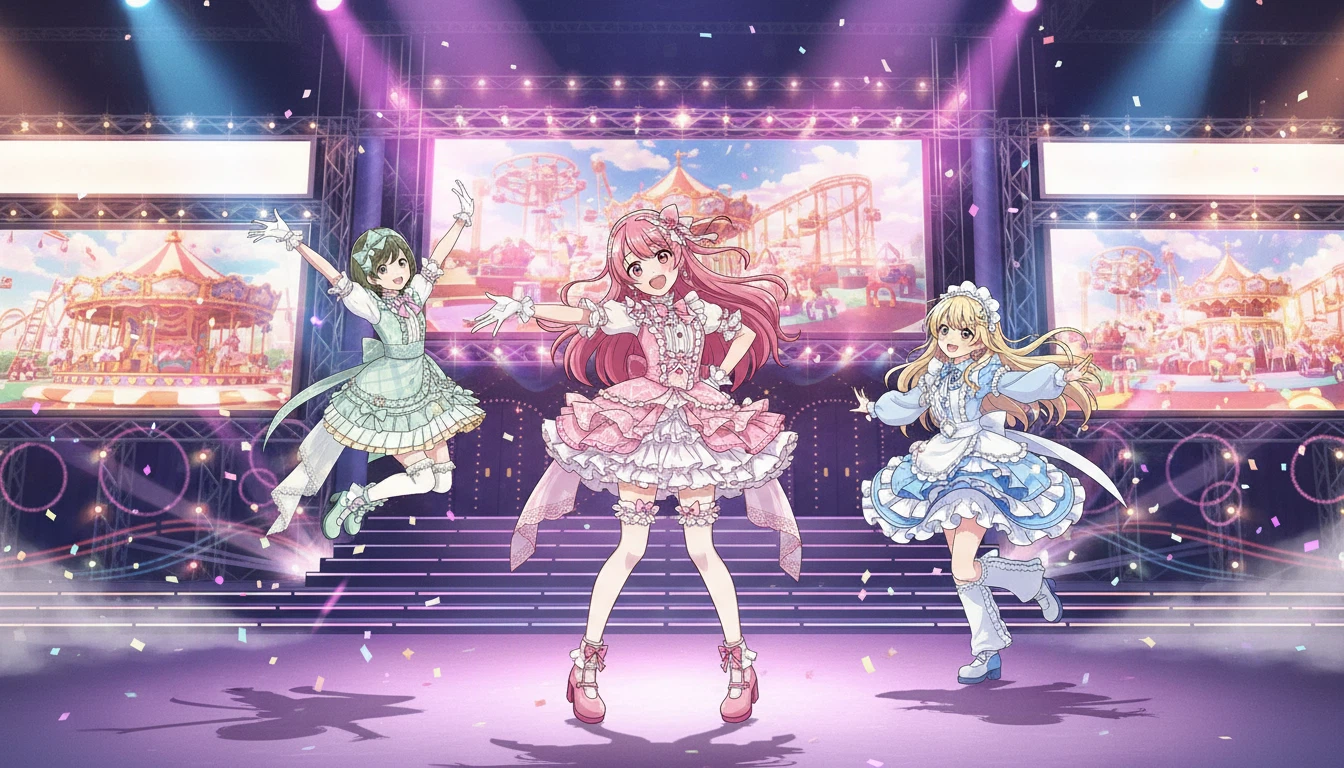
Guide to Creating Concept Images with Multiple Characters
How to intentionally control variables to produce results with multiple characters through a conversation with Quel Assistant
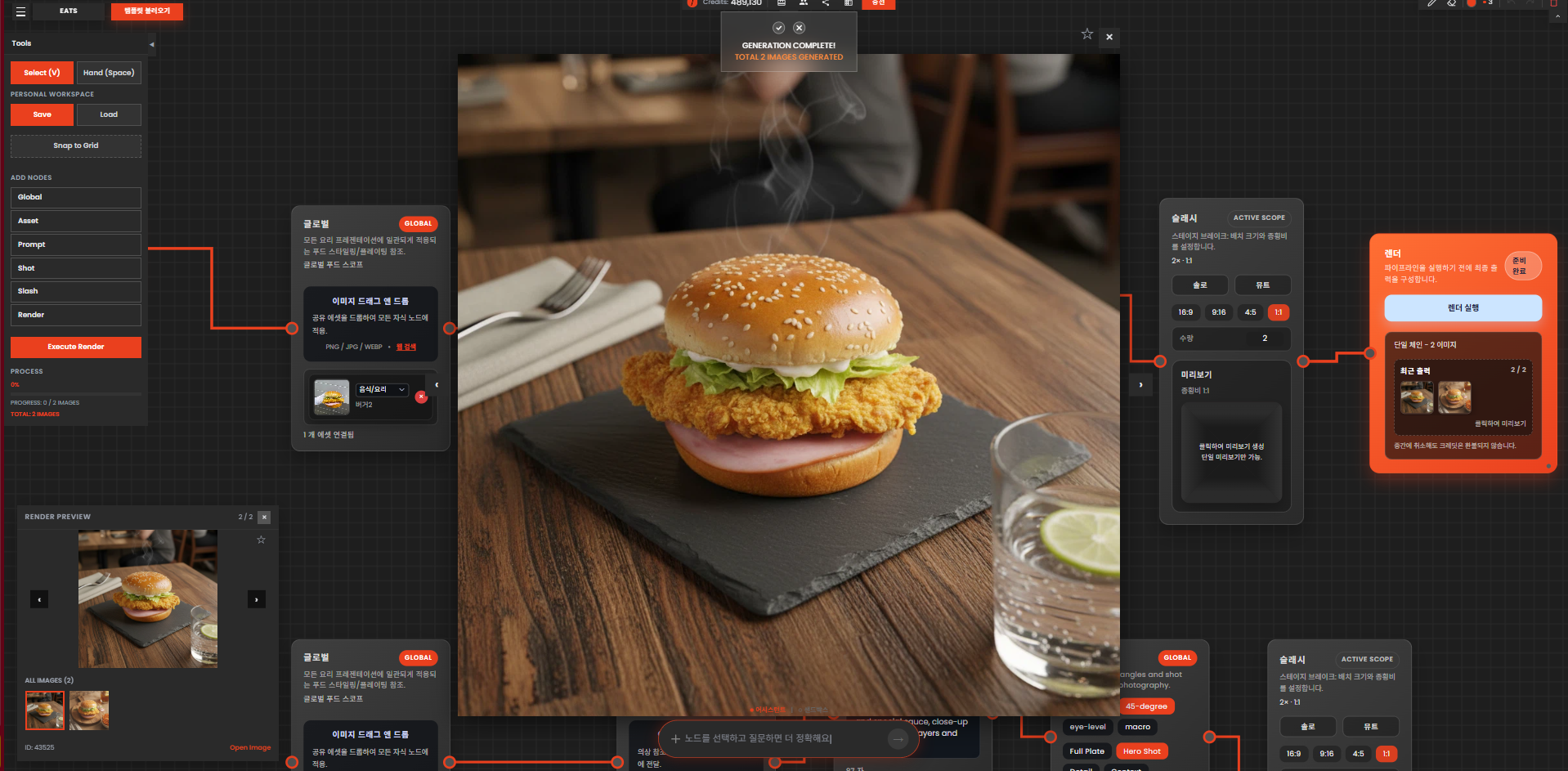
When the Food Composition Differs from the Reference Image
In QUEL, results are created using prompts along with reference images. In this case, the image reference serves as a guide for the overall mood, angle, and direction, while the composition or appearance of the food is greatly influenced by the text prompt. Therefore, even if a reference is used, if the prompt is simply written as "hamburger," "pasta," or "lunch box," the system cannot accurately determine the specific shape the user wants. As a result, food with a different composition from the reference may be generated. This difference occurs more frequently in the following cases: - When it is difficult to clearly distinguish what food it is from the reference image alone - When the composition of the food in the reference and the description in the prompt differ In such cases, the most reliable solution is to directly describe the composition and shape of the food in text.
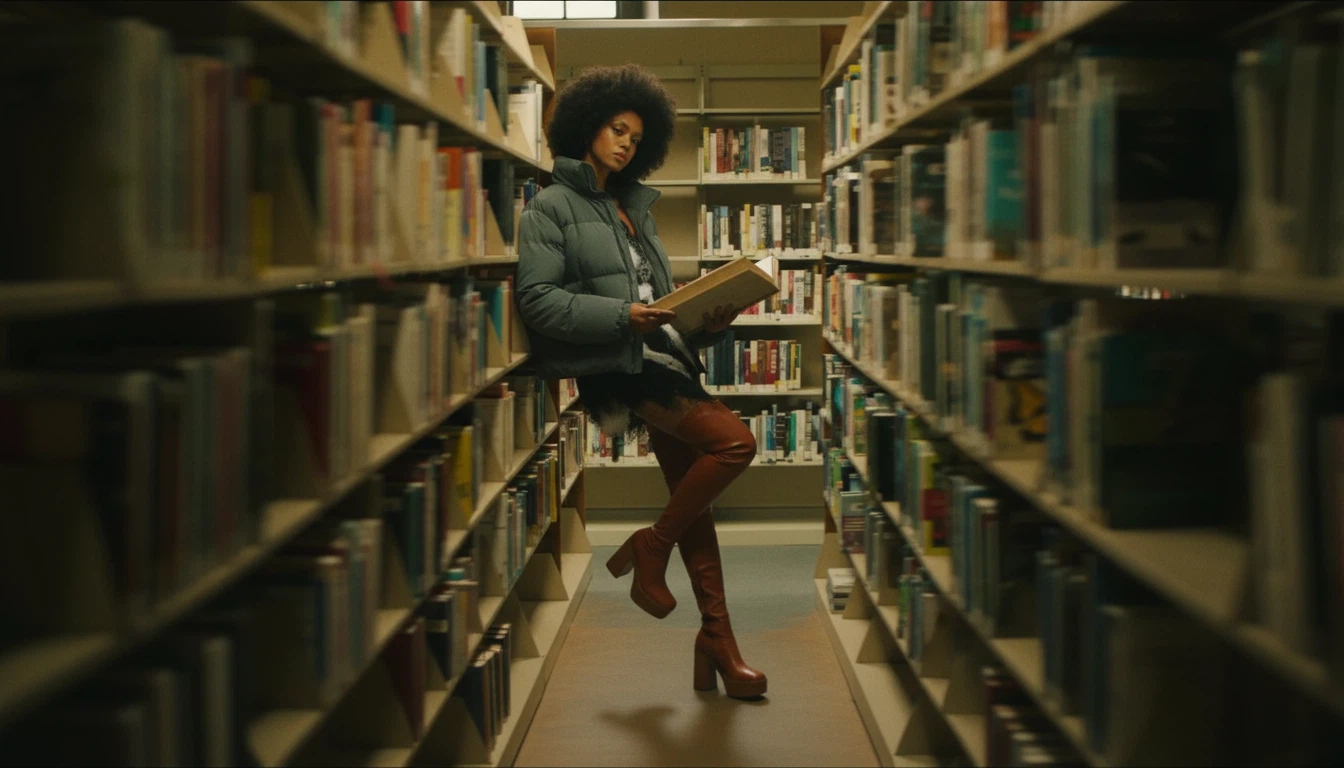
Fashion Lookbook Concept Image Production Guide
How to create fashion lookbook images without shooting using Quel