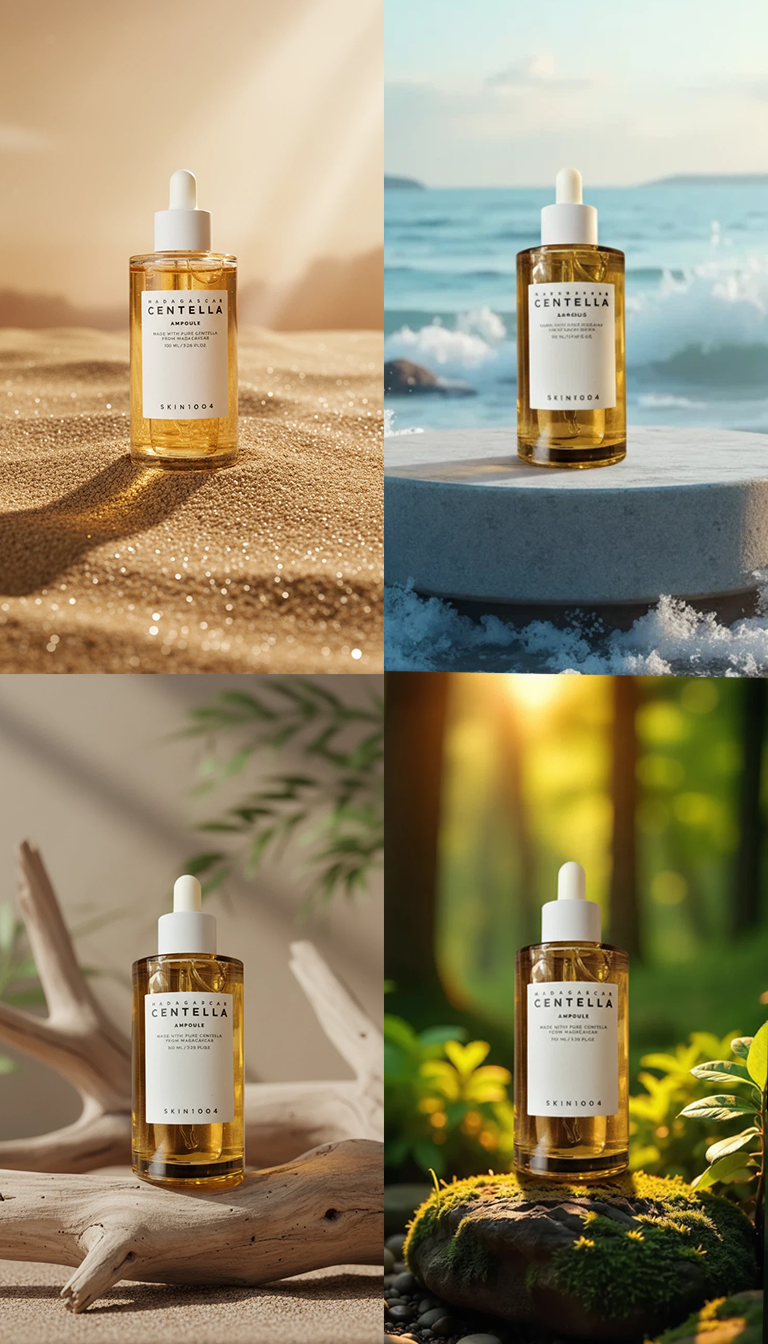
Generating Product Images with Diverse Backgrounds
It is important to provide specific and detailed explanations of the elements needed for Quel Assistant. For example, things that need to be visually clear in the product, such as atmosphere, depth, texture, natural composition with the background, sense of scale, and shadow representation, are basic points to recognize. Recognizing these points is most important, and it is convenient to use them based on presets. Then, you can freely exclude or add additional elements within the generated prompt.
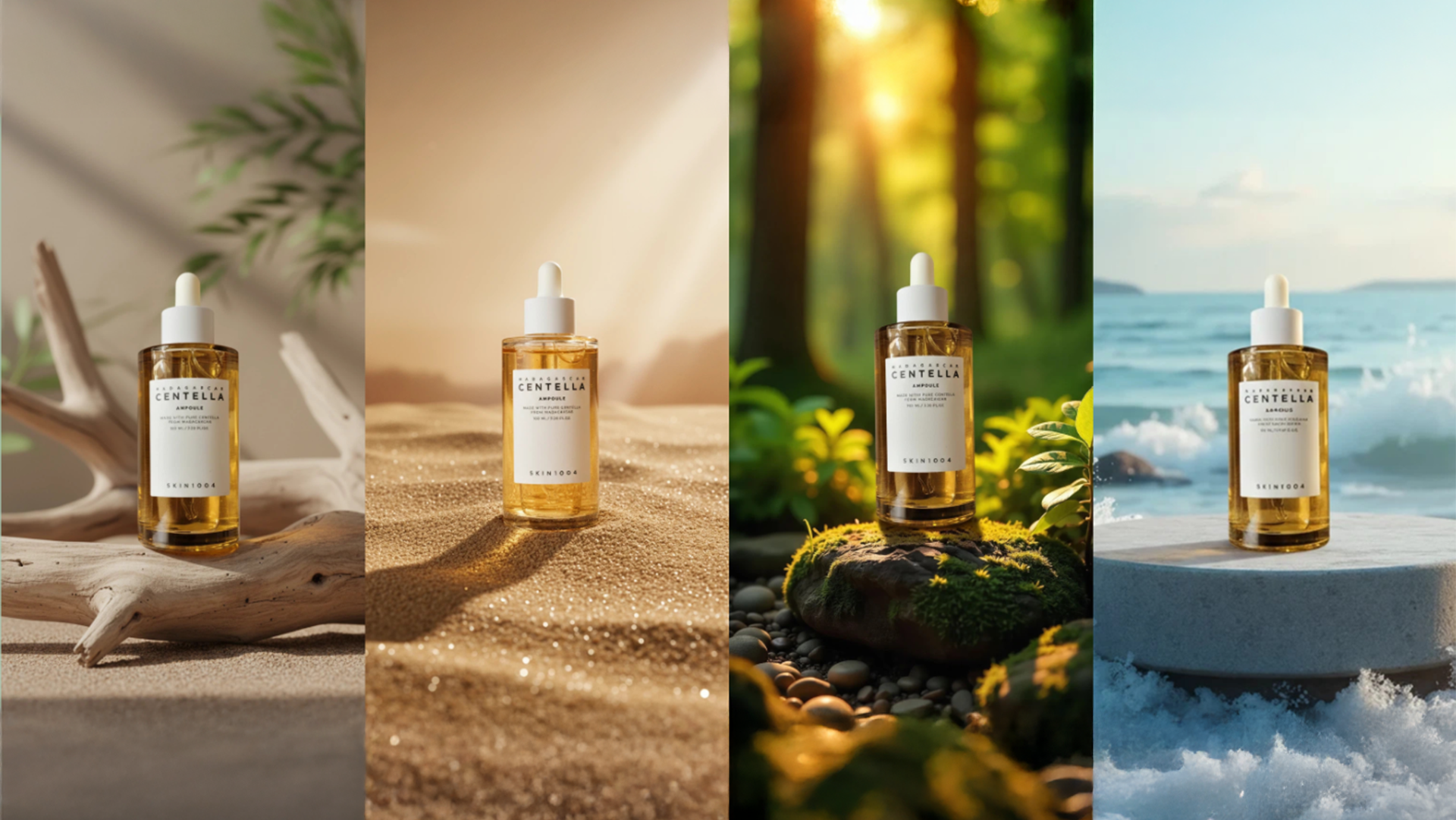
By clearly guiding the necessary composition in advance, you can greatly increase the probability of generating the desired image results using Quel Assistant.
Especially, product recognition is important, but the background must first be accurately recognized to form a stable overall atmosphere (mood/lighting/sense of space), and within that, the product is naturally reflected in the same tone.
Therefore, the completeness of background recognition is the key factor that determines the quality of the result.
Main Components of Quel Assistant (Recommended Prompt Components)
1) Prominent Background → Prominent Background
Ensure that the background is clearly recognized as the protagonist within the image, and not simply blurred or ignored.
Avoid “the product is clear and the background is blurry,” and configure the background itself to function as a major element conveying the message and overall atmosphere of the image.
2) Beauty Advertisement Atmosphere + Warm Lighting → Warm and Soft Lighting
Use soft and warm lighting to make the product stand out luxuriously.
Materials like skin, glass, and wood naturally reflect to form highlights, implementing an overall attractive premium beauty advertisement tone.
3. Product Angle and Scale + Natural Placement →
Align and scale the product with slight changes, slight tilting, overlapping
Instead of simply placing the product linearly, create a natural and visually interesting composition through slight tilting, overlapping, and angle changes.
Also, realistically match the scale between the background and the product to maintain a natural impression without a composite feel.
4) Depth → Layered Foreground and Background
Clearly distinguish the foreground, midground, and background to express a sense of space in three dimensions.
This prevents the background and product from appearing monotonous and guides the eye to move naturally within the screen.
5) Smooth Integration → Smooth and Sophisticated Composition
Configure so that the product and background appear as one space without a sense of separation.
The goal is for all elements, such as shadows, reflections, color temperature, and light source direction, to harmoniously match.
6) Interesting Composition → Dynamic and Visually Interesting
Do not rely solely on static frontal composition, but apply slight movement or transformation to draw attention to the product.
This adds a sense of storytelling and lingering to the image.
7. Reality / Realism → High Realism
Accurately implement the texture, material characteristics, surface details, and reflection representation of the product.
Enhance realism as if it actually exists through fine surface texture, delicate reflections, and natural light diffusion.
8. Particle Removal → No Sparkle or Glitter
Exclude artificial effects like sparkle or glitter to maintain an overall clean and premium atmosphere.
This process completes the prompt.
However, if this process is difficult,
insert a reference image into Quel Assistant and use the phrase “image analysis” to generate a prompt based on the analyzed background information,
and modify the prompt by adding or excluding elements as needed.
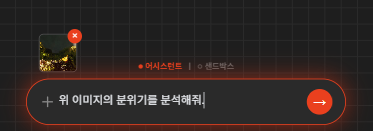
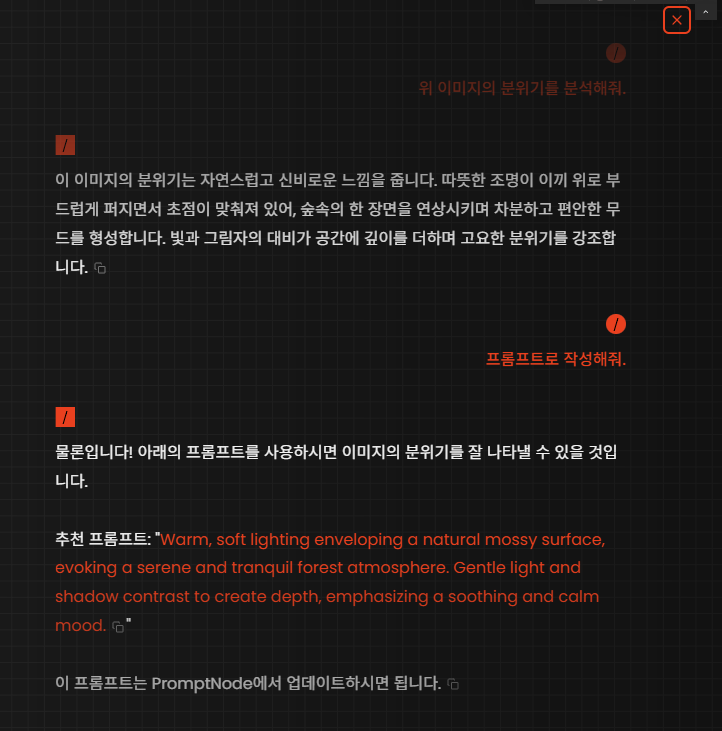
It is good to specifically explain when adding additional elements to Quel Assistant.
For example, after image analysis, additional necessary elements
“Modify the prompt to naturally render atmosphere/texture/natural composition with the background/scale/shadow representation”
By modifying the prompt with such phrases, you can generate even better results.
However, since it is a given product, adding too many elements may cause a loss of direction.
Precautions When Writing Quel Assistant Prompts
- Writing Prompts Broadly (Incorrect Method)
Example)
“The product is placed.”
“The product is strongly reflecting.”
Expressions like the above
Where the product is placed,
In what background and environment,
Under what lighting conditions and anglesthe reflection occurs lack information.
If written abstractly without additional explanation like this,
it is difficult to obtain the intended image result as the model arbitrarily interprets the scene.
- Detailed Description Including Form and Characteristics (Correct Method)
It is good to mainly compose Quel prompts around the following elements.
Overall atmosphere and advertisement tone
Product form, position, angle
Description of the state where the background and product are naturally integrated
After writing the prompt based on this basic structure,
you can add detailed elements as needed.
Work
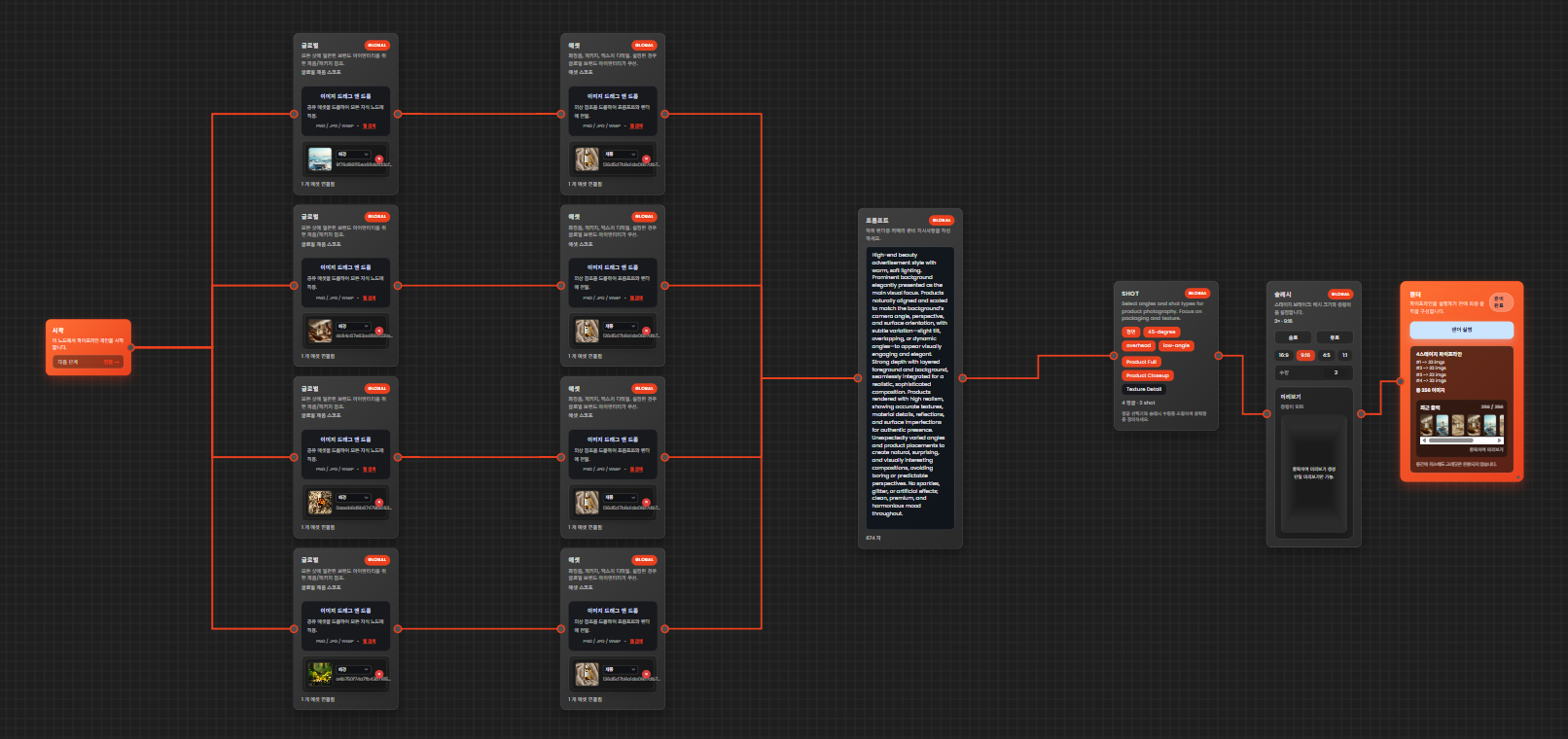
Source
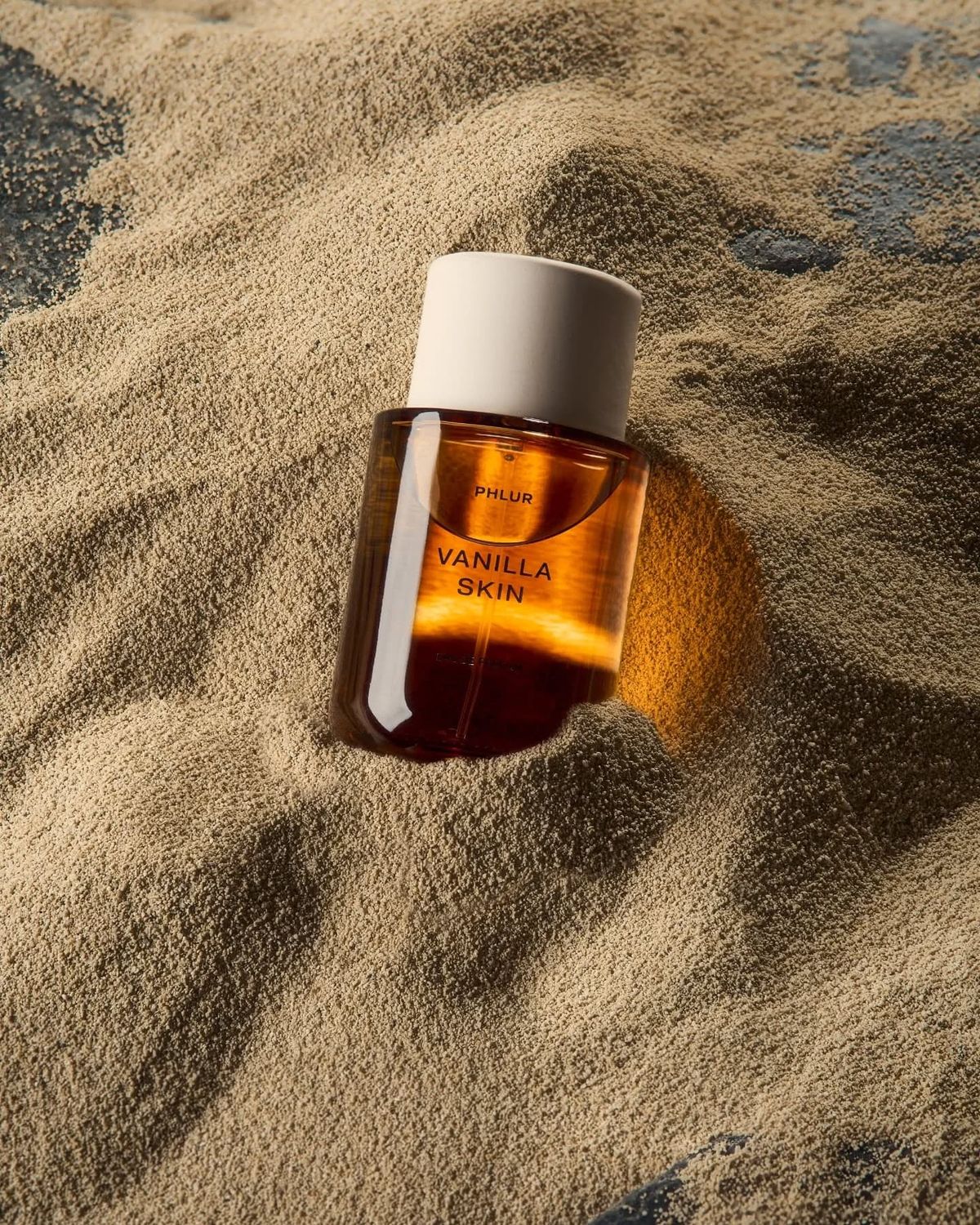
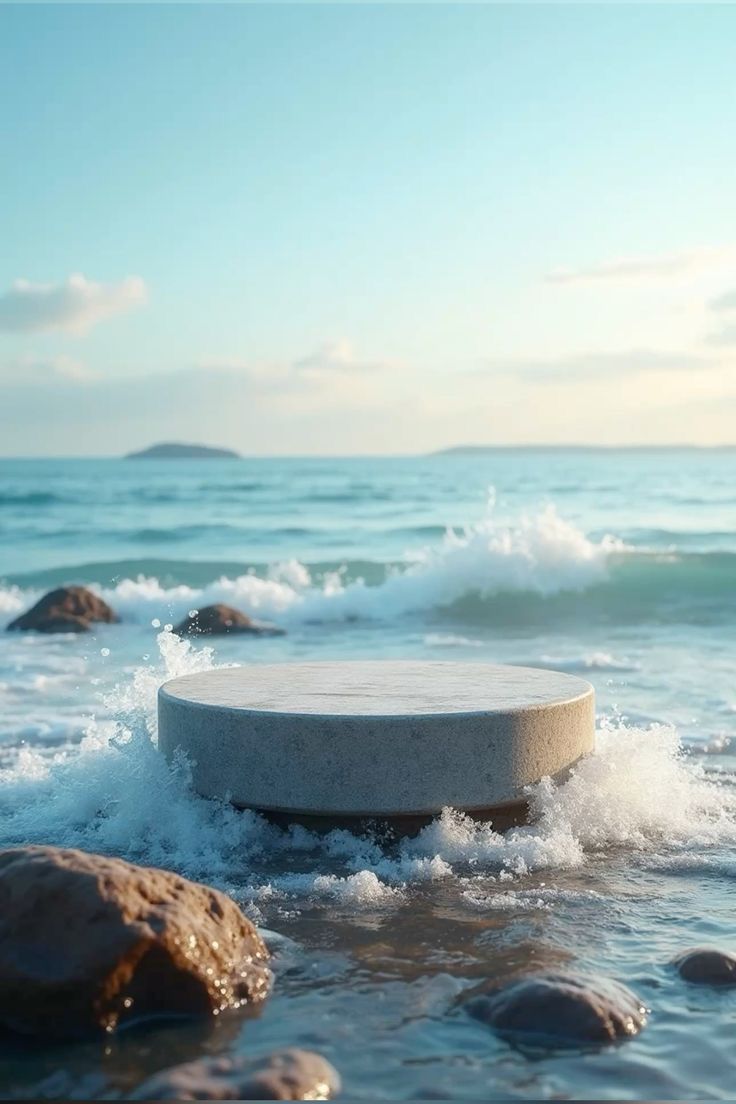

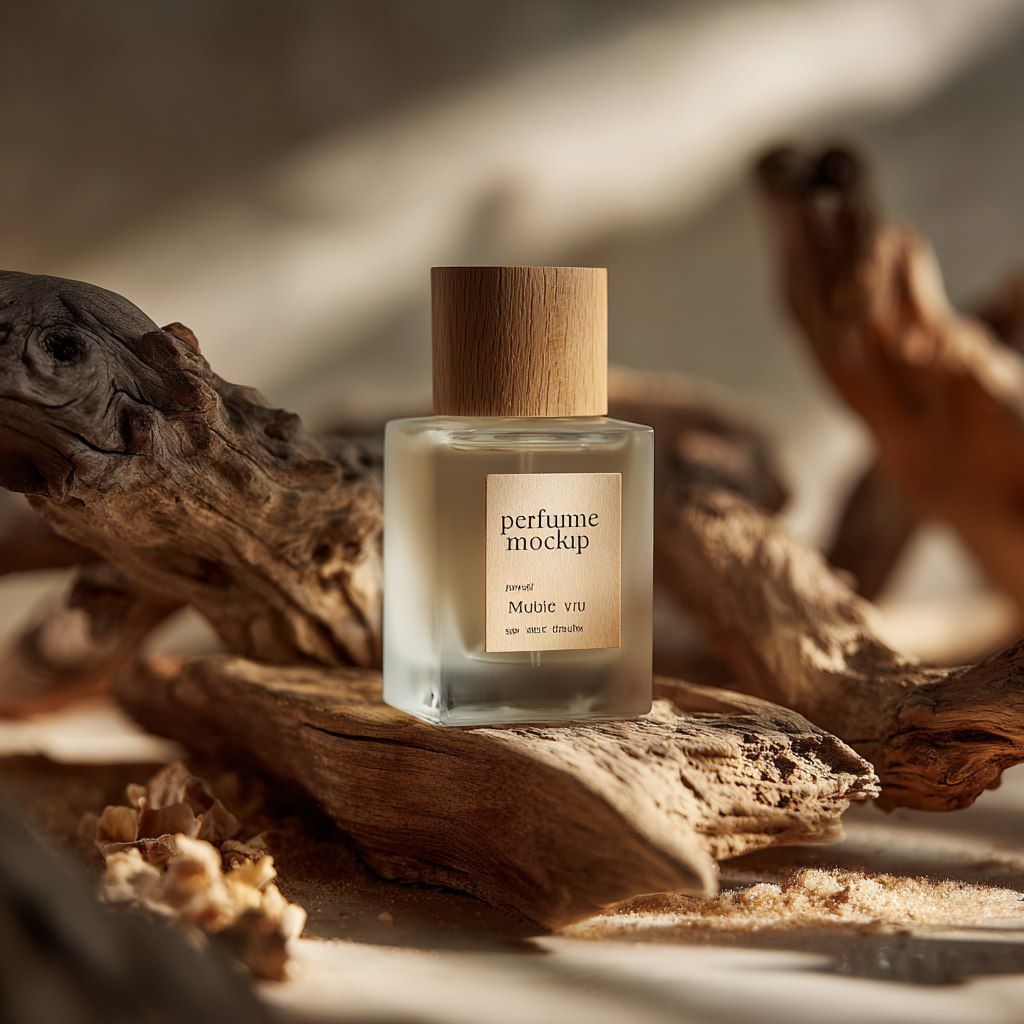
Prompt
“Warm and soft lighting in a high-end beauty advertisement style. Prominent background elegantly presented as the main visual focus. The product is naturally aligned and scaled to match the camera angle, perspective, and surface direction of the background, with slight tilting, overlapping, and dynamic angles to appear visually attractive and elegant. Strong depth with layered foreground and background, smoothly integrated for a realistic and sophisticated composition. No sparkle, glitter, or artificial effects; overall clean, premium, and harmonious atmosphere.”
Rendering