Fashion Lookbook Concept Image Production Guide
How to create fashion lookbook images without shooting using Quel
1. Image Preparation
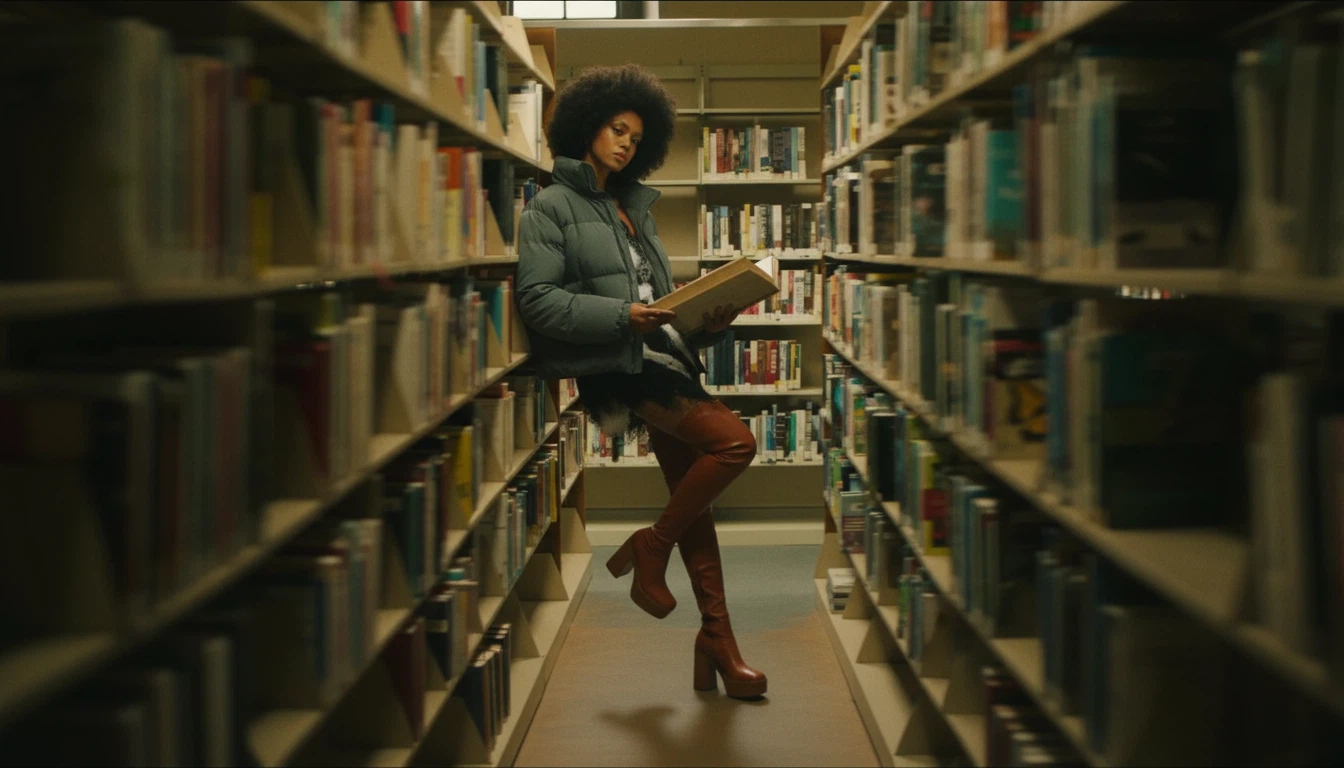
- It is recommended to prepare with a full-body shot
- If you use images that only show the upper body or face, there is a high probability that the body proportions will look awkward when rendered as a full shot
e.g.
2. Node Settings and Placement
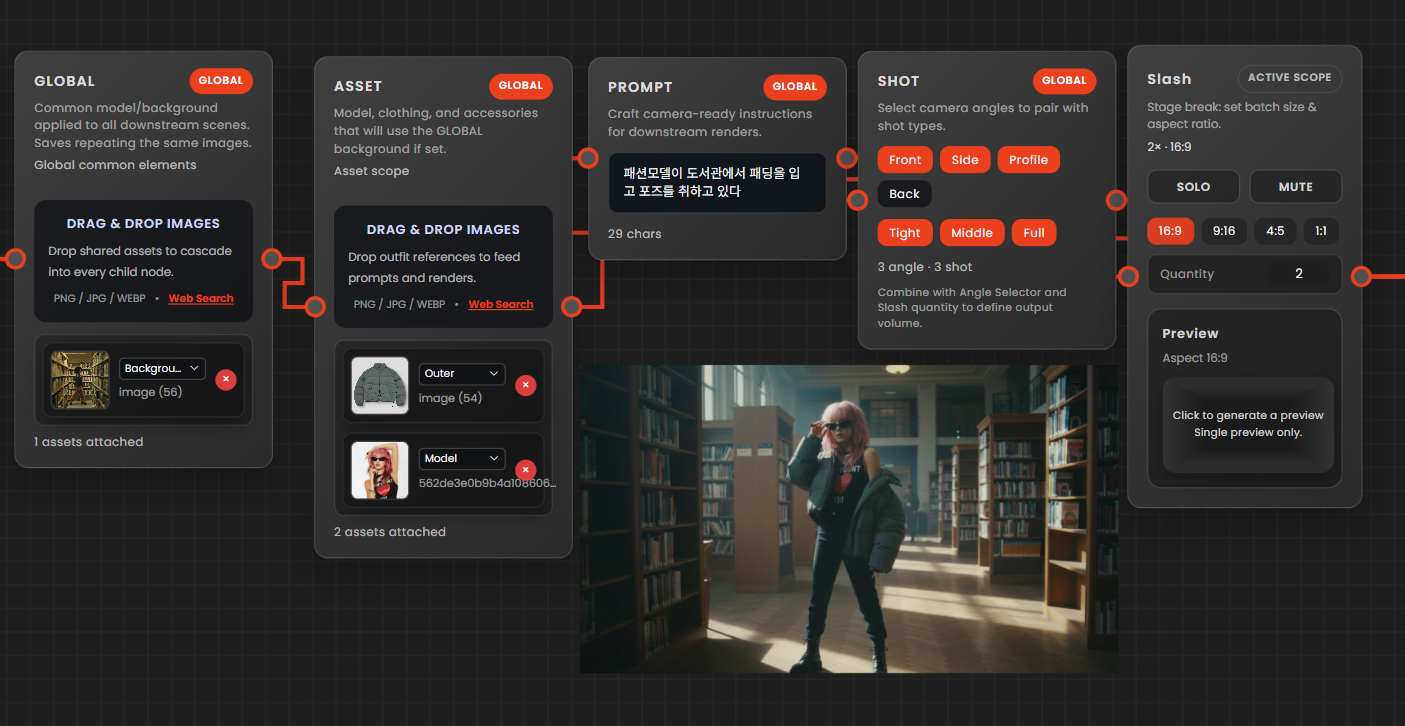
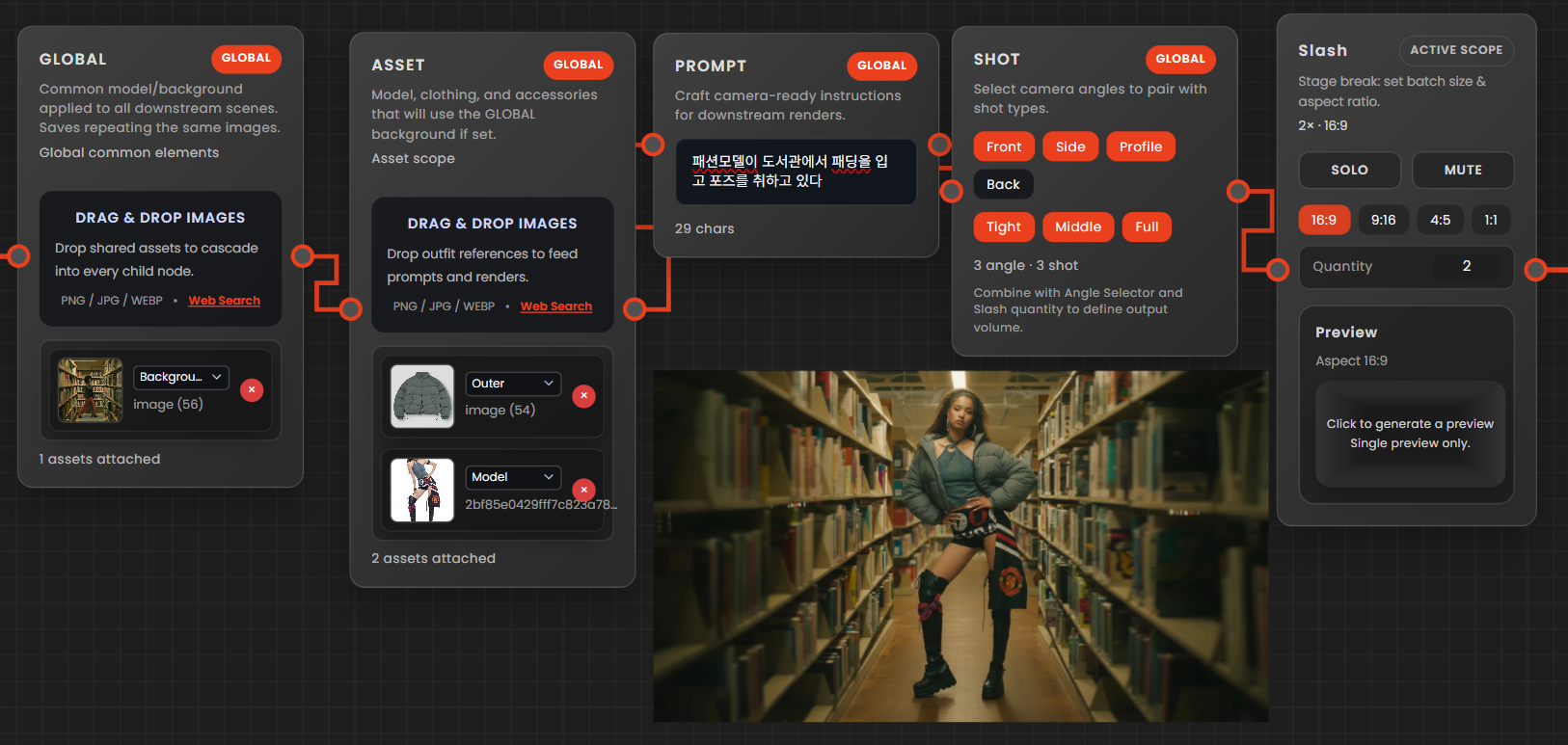
1. Global Node
- Select and insert the prepared background image as the background (images with no or barely visible people are recommended)
2. Asset
- Insert the full-body shot of the prepared model and clothing images
3. Prompt Writing Guide
- In fashion images, instead of complex prompts, describe the location, model's pose, and clothing concisely.
e.g. A fashion model is posing in a library wearing a padded jacket.
4. 360-Degree Utilization Method
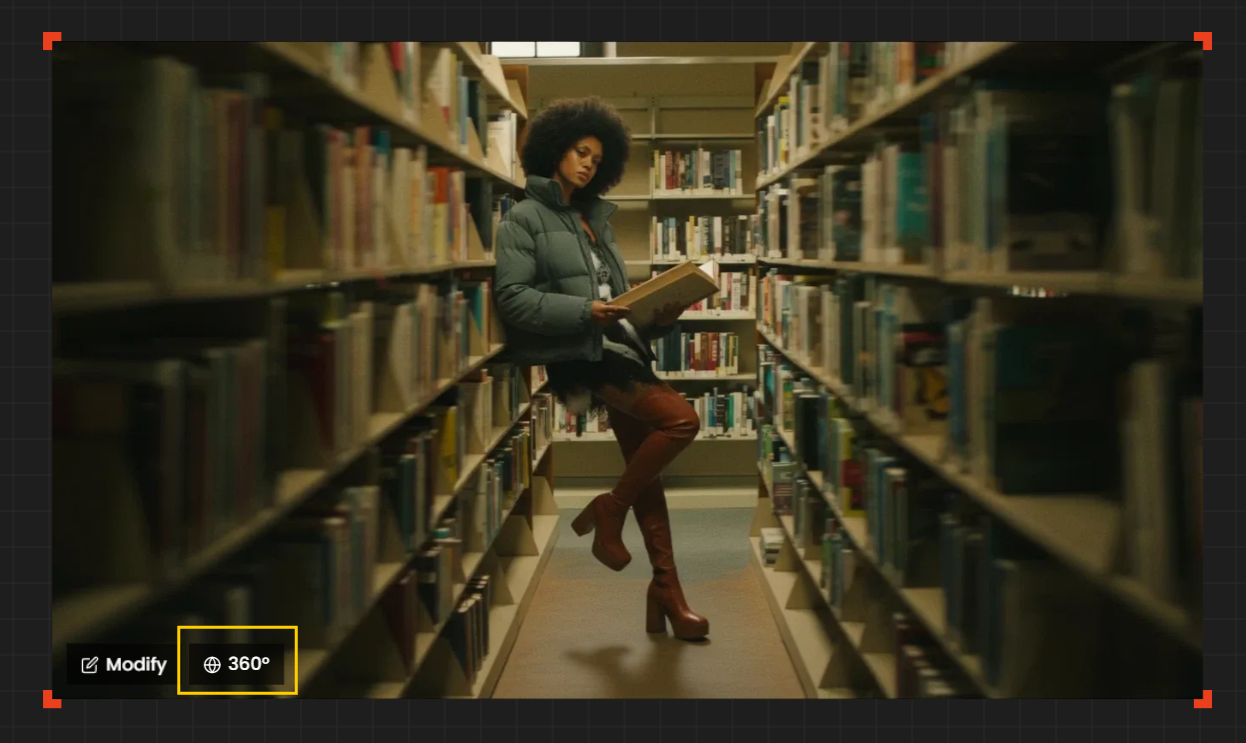
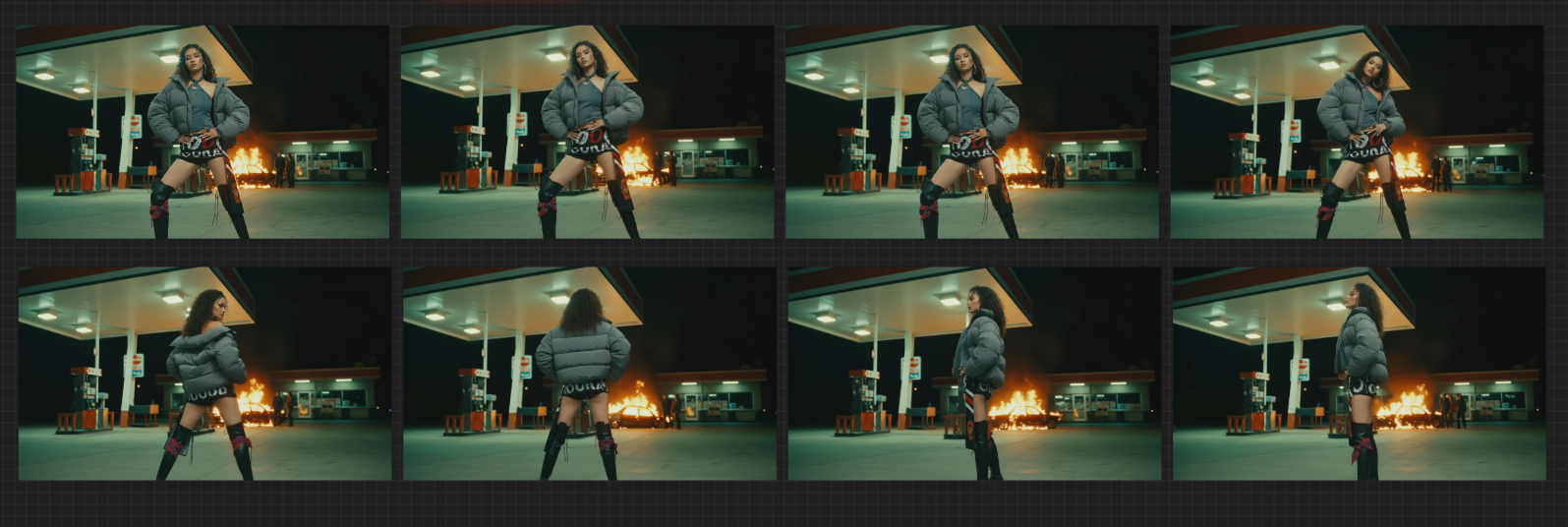
- By adding the rendered image to the Creative window and hovering the mouse cursor, you can generate a 360-degree rotating model shot.
5. How to Write Prompts Using Quel Assistant
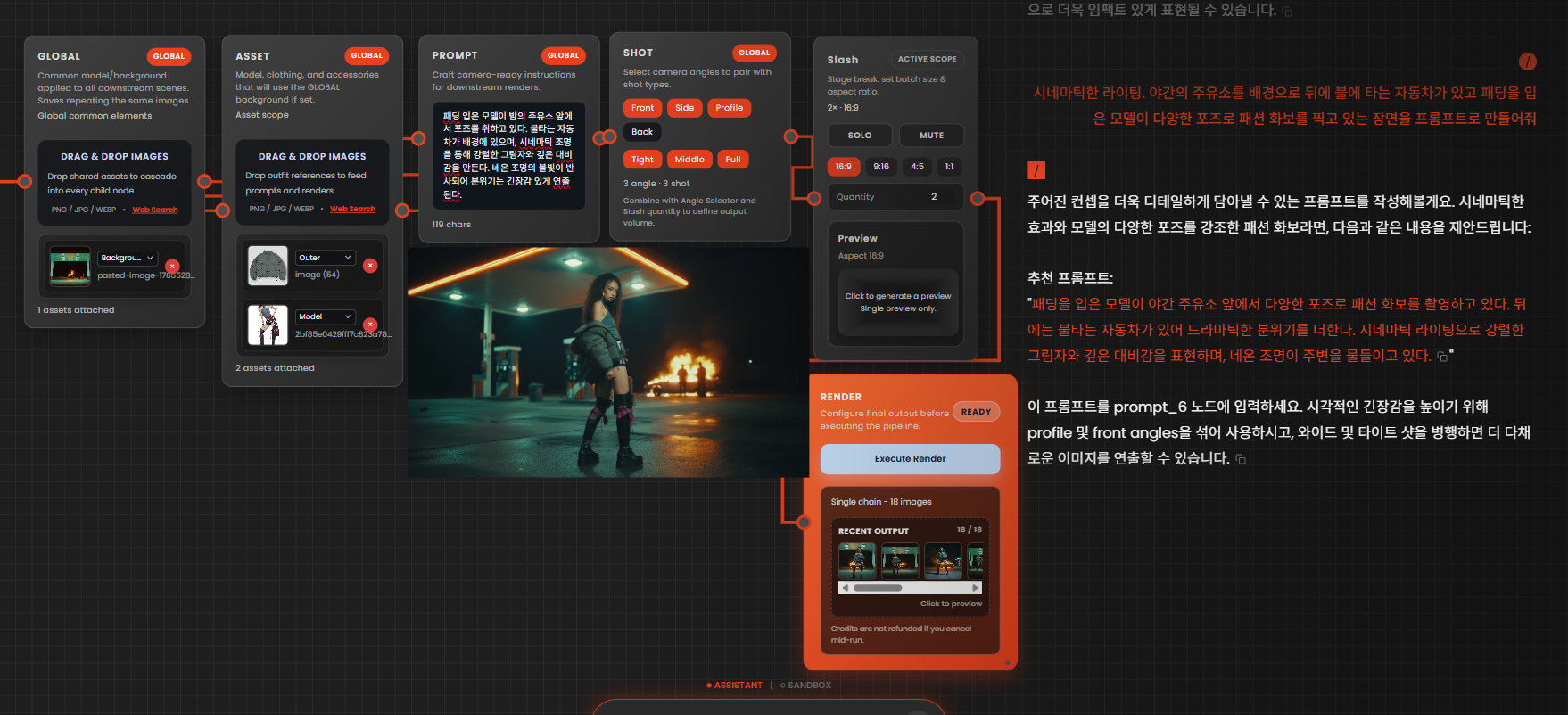
- If you find it difficult to write prompts yourself, you can request prompt writing using the Assistant within Quel.
e.g.